OBD-II Service Modes
 ($01) Display Current Data
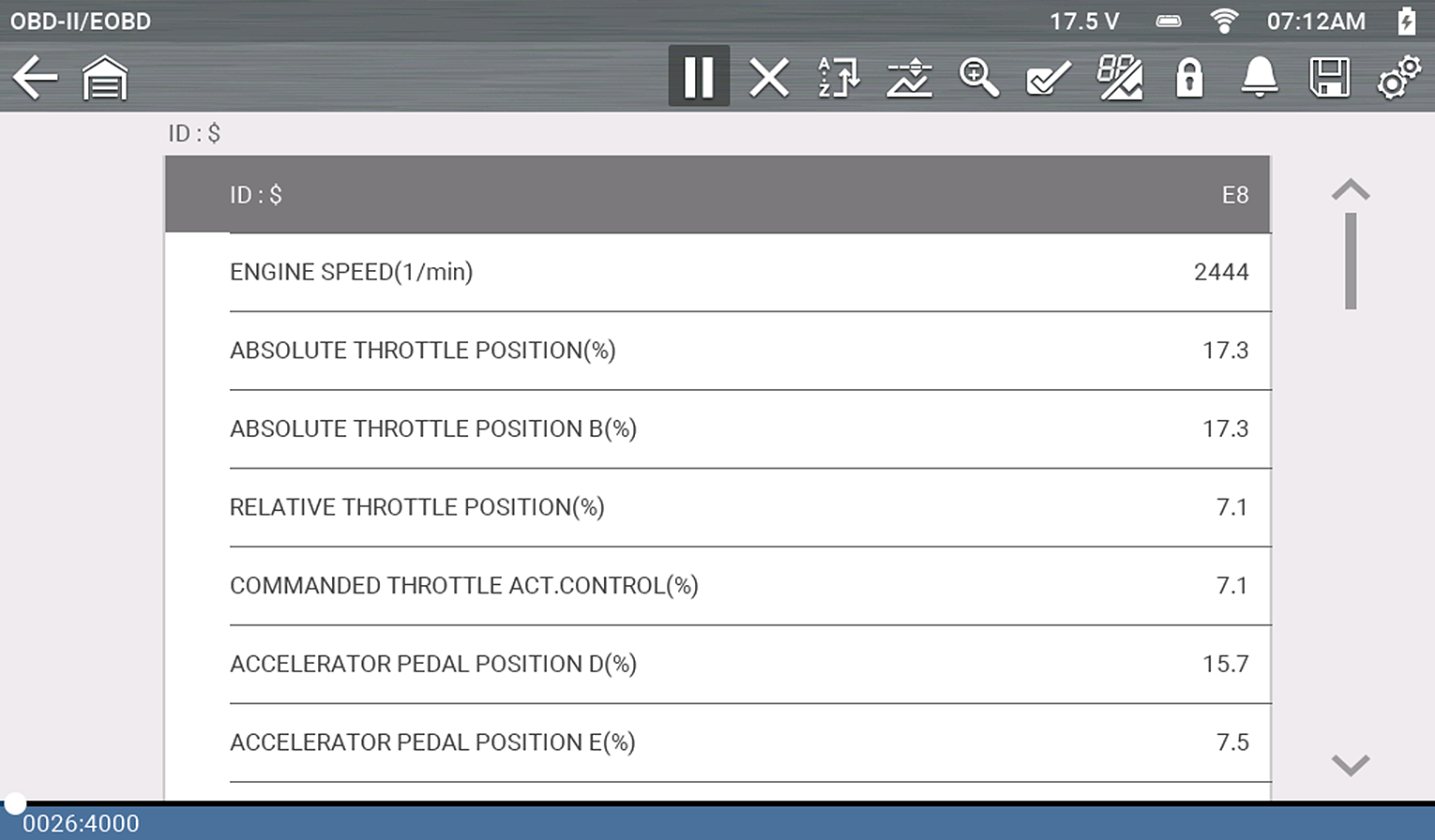
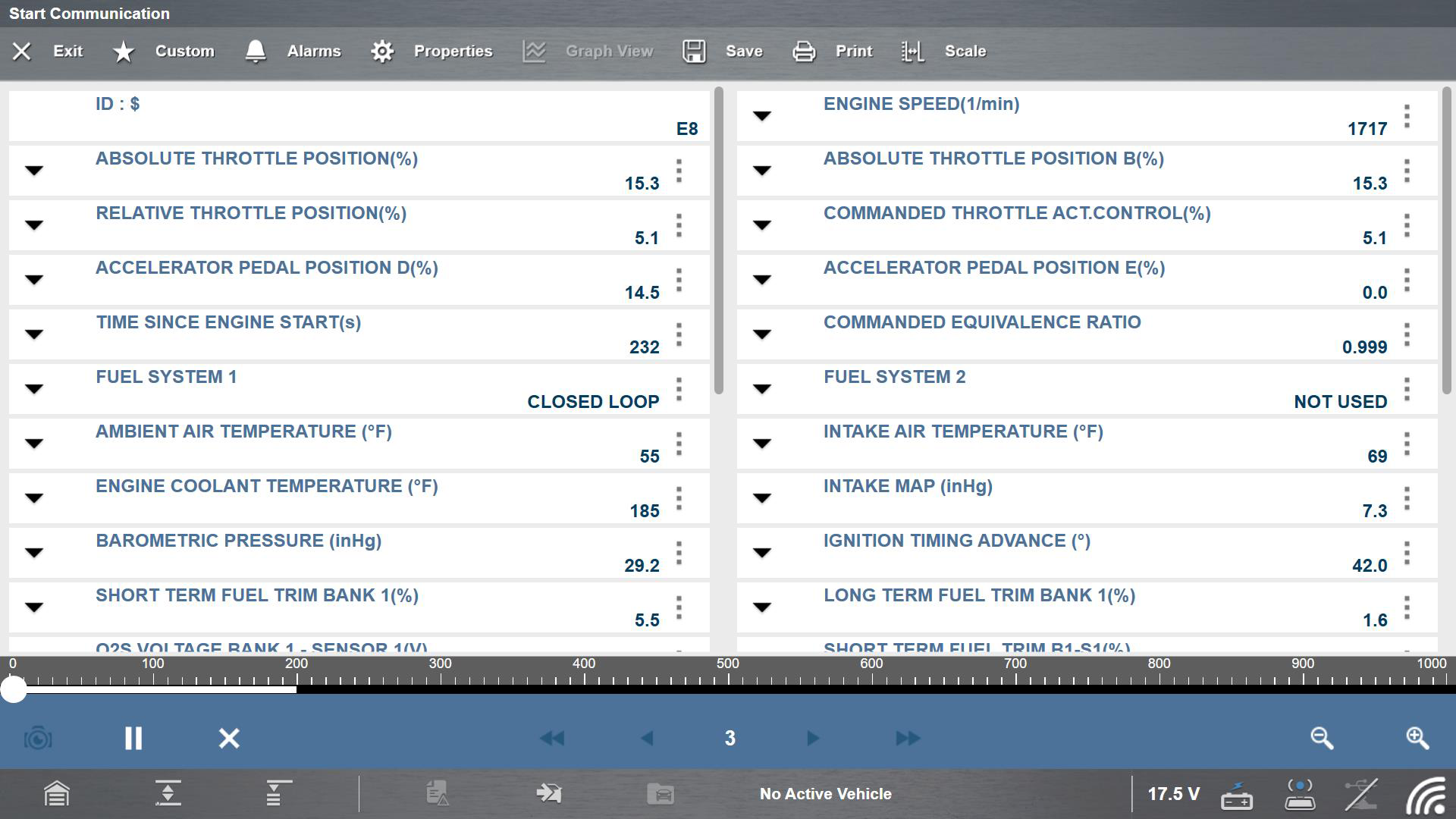
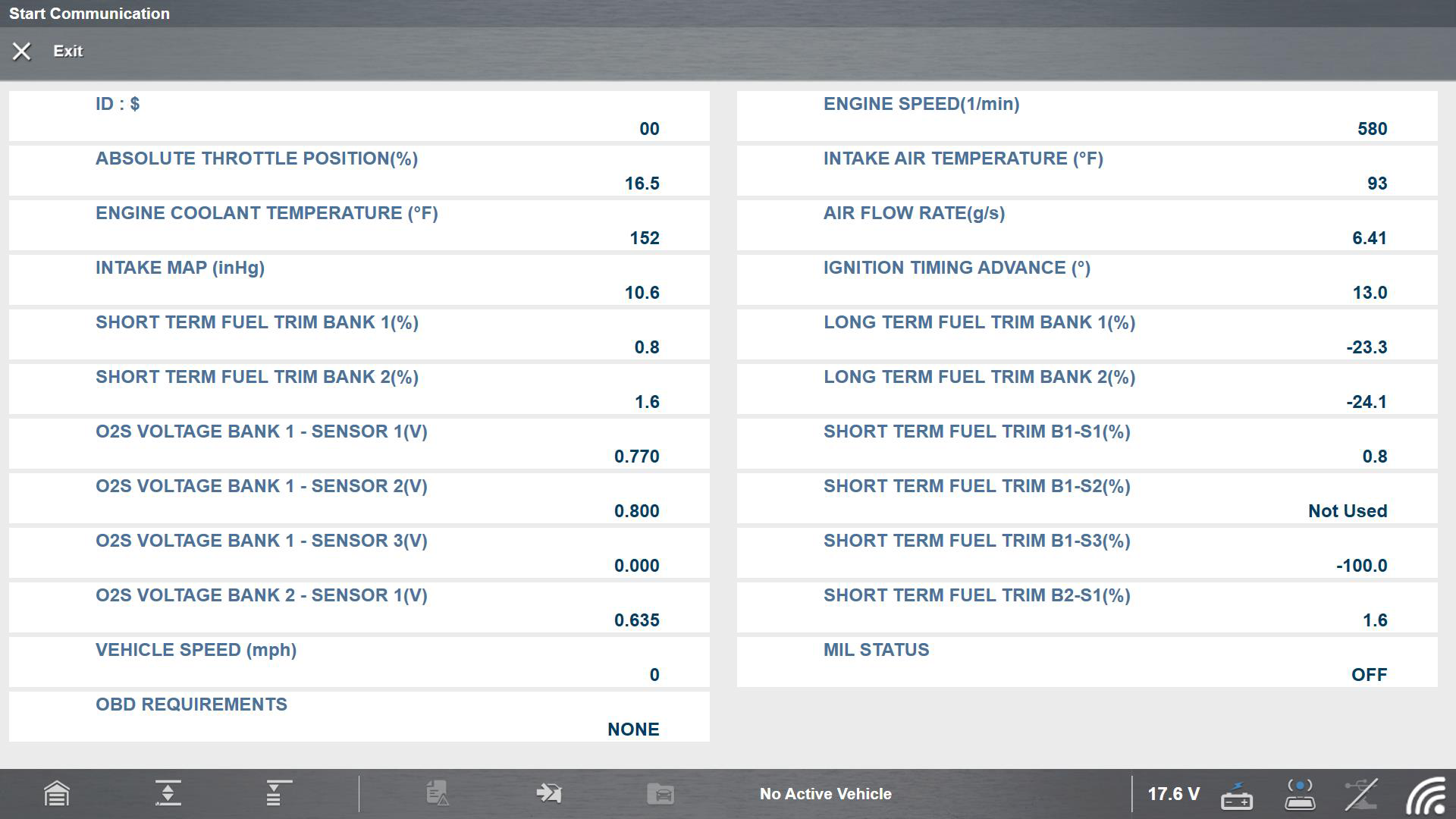
Use this mode to view the current powertrain PIDs. This data is displayed unmodified as transmitted by the module(s). The main body of the screen has two columns; the left-hand column is a description of the PID and the right-hand column is the value or state. Viewing options and operations are the same as the Scanner function.
OBD-II/EOBD Codes have a priority according to their emission severity. The priority of the code determines the illumination of the MIL and the code erase procedure. Priority rankings vary across vehicle manufacturers, makes and models.
Create a custom PID list to increase the display refresh rate / response time of displayed PIDs.
Typical Screens from Current Diagnostic Tools
($02) Display Freeze Frame Data
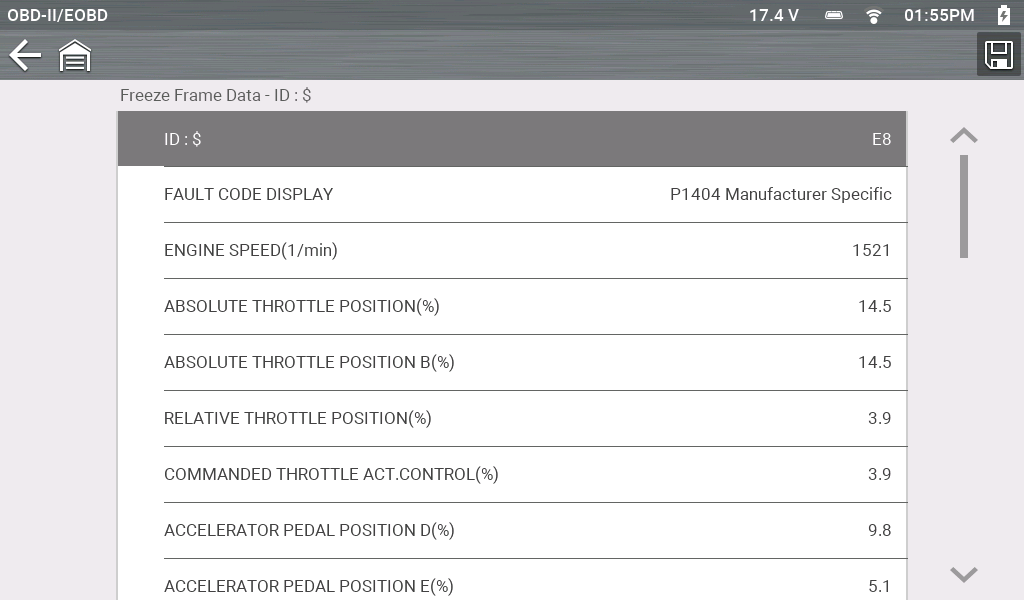
Freeze frame data provides a “snapshot” of critical PIDs at the approximate time the DTC was set.
This mode is used to display freeze fame data for any stored emission related diagnostic trouble codes (DTCs). In most cases the stored frame is the last DTC that occurred. Certain DTCs, those that have a greater impact on vehicle emissions, have a higher priority. In these cases, the highest priority DTC is the one for which the freeze frame records are retained.
Typical Screens from Current Diagnostic Tools
($03) Display Trouble Codes
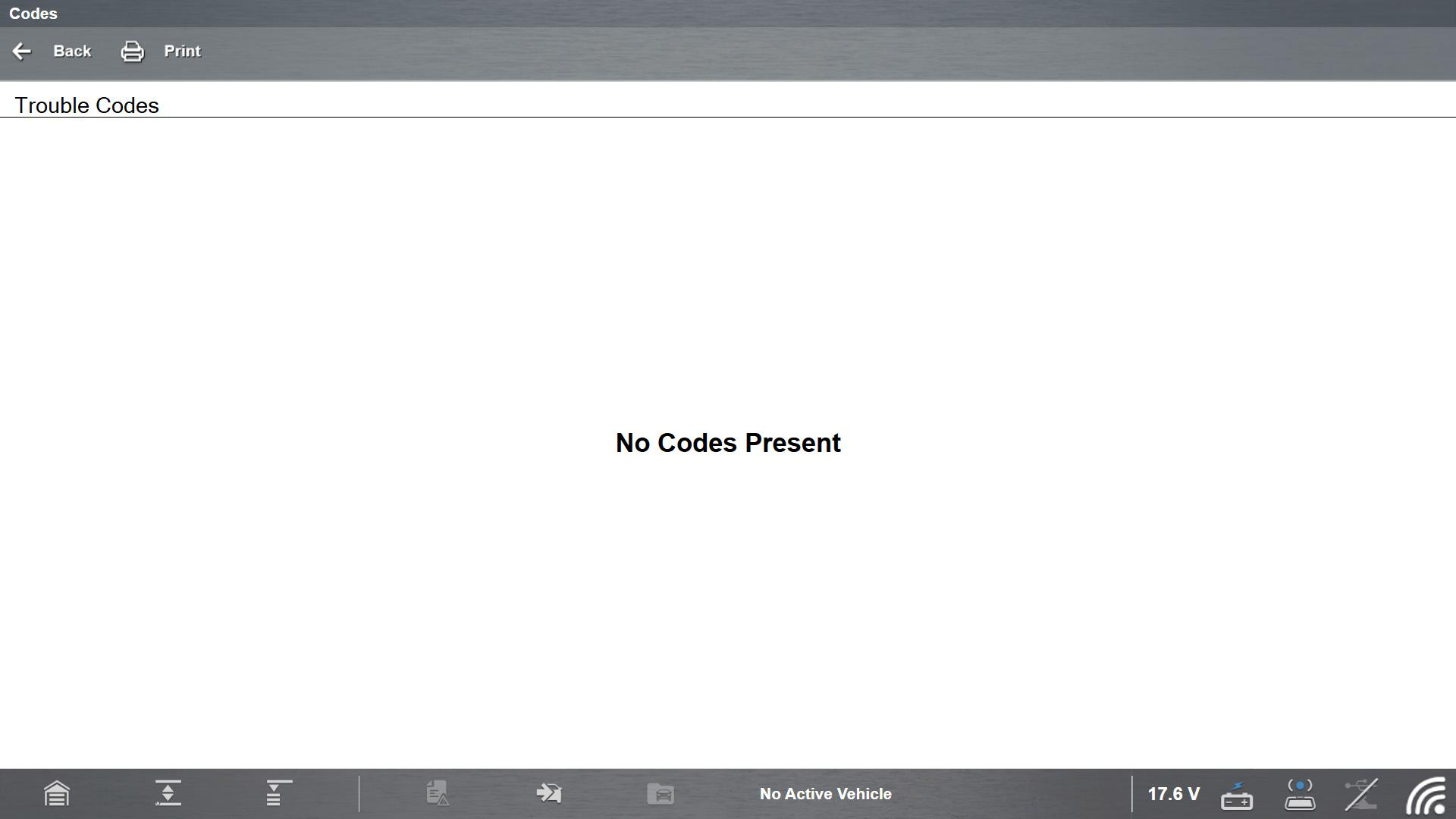
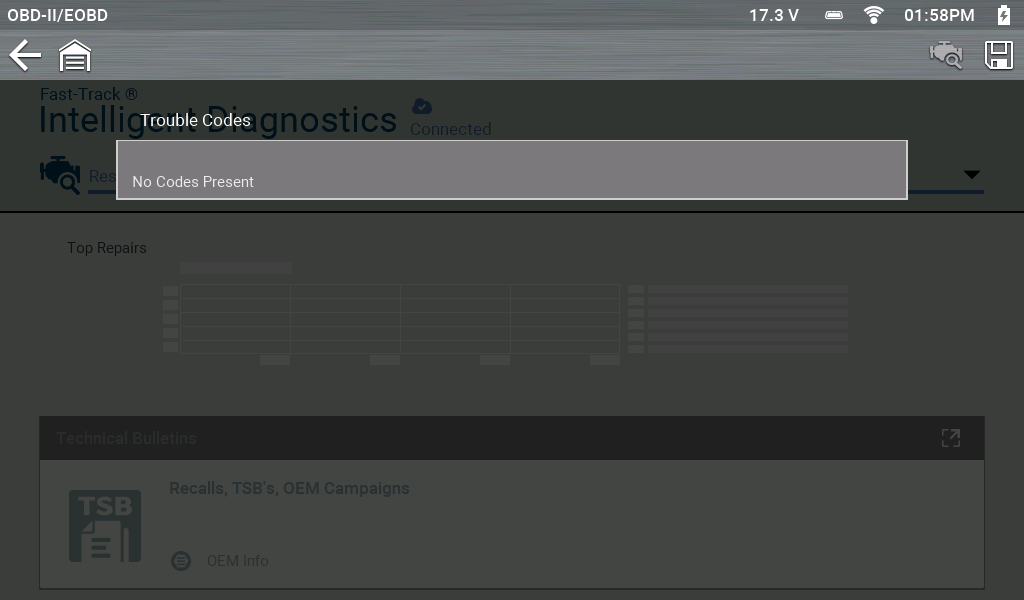
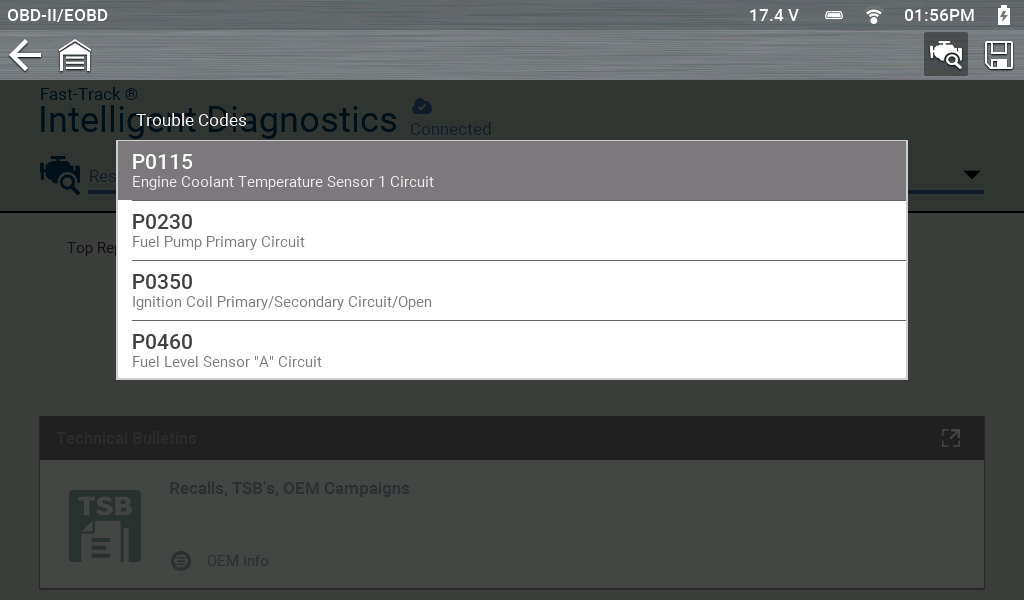
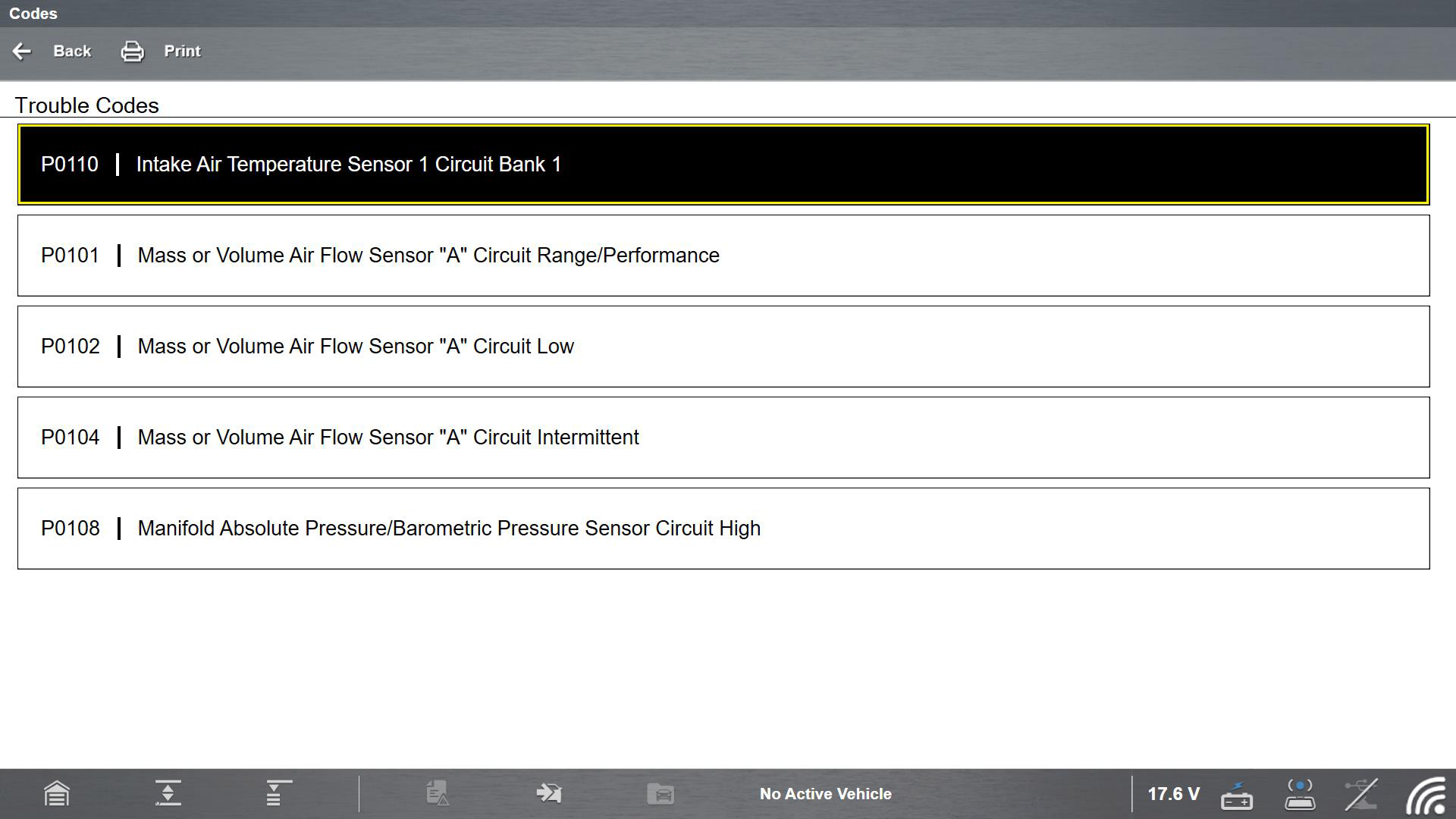
This mode displays stored emission related DTCs. The display is similar to the Scanner function code display, but the list does not include enhanced DTCs.
OBD-II/EOBD Codes have a priority according to their emission severity. The priority of the code determines the illumination of the MIL and the code erase procedure. Vehicle manufacturers have implemented the ranking differently, so there are differences between makes
The DTC results screen is similar to the same screen used in the Scanner function, as both display the SureTrack results message below the toolbar. However, SureTrack is not accessible in OBD-II/EOBD mode. SureTrack is only accessible in the Scanner function where the vehicle has been identified.
SureTrack is not accessible in OBD-II/EOBD mode.
Typical Screens from Current Diagnostic Tools
($04) Clear Emissions Related Data
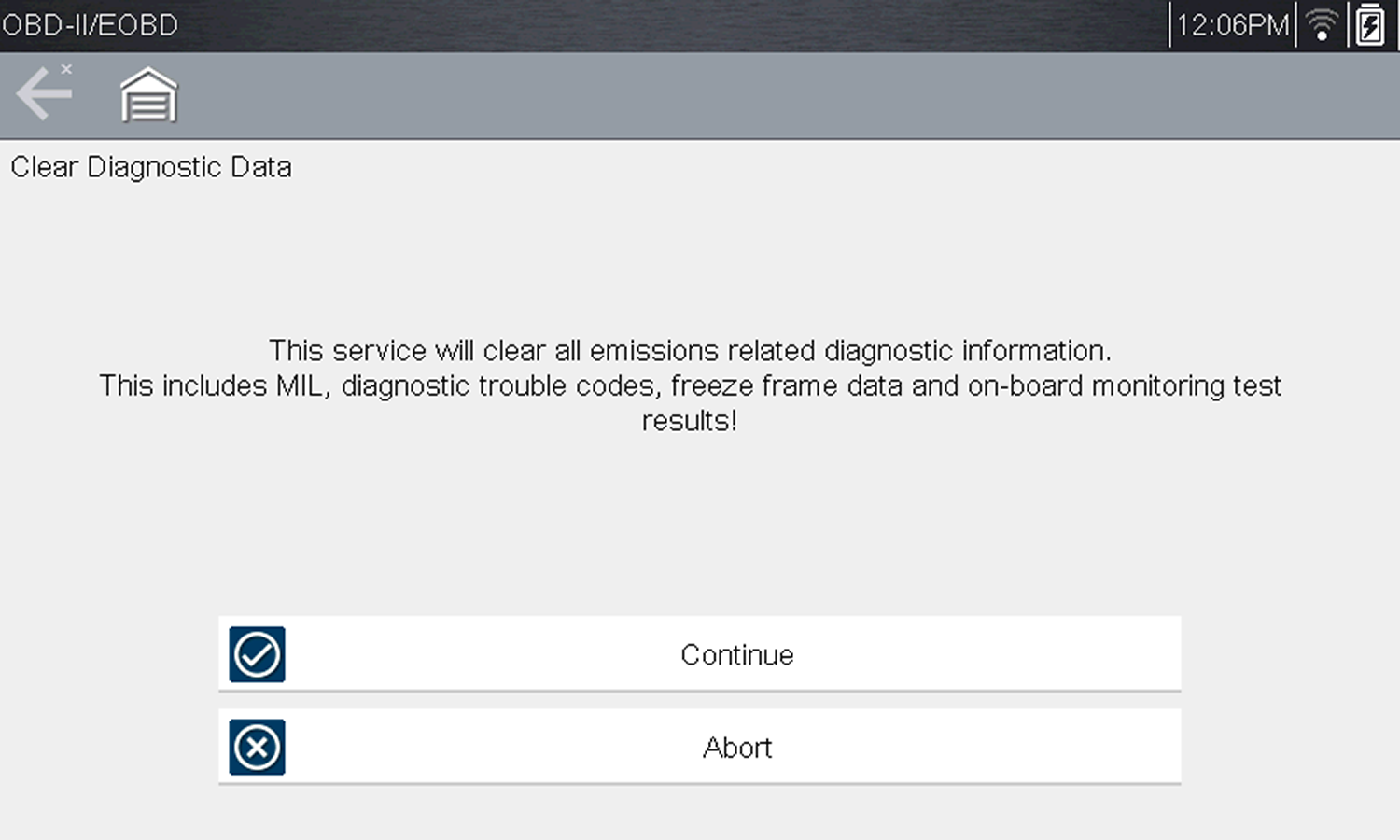
Clear Codes erases all stored data, including any enhanced codes and freeze frame information.
This mode is used to clear all emission related diagnostic data, such as DTCs, freeze frame data, and monitor test results This also resets monitors to Not Ready and turns the MIL off.
| 1. | Select Clear Emissions Related Data from the menu. |
A confirmation message displays to help prevent loss of any vital data.
Typical Screens from Current Diagnostic Tools
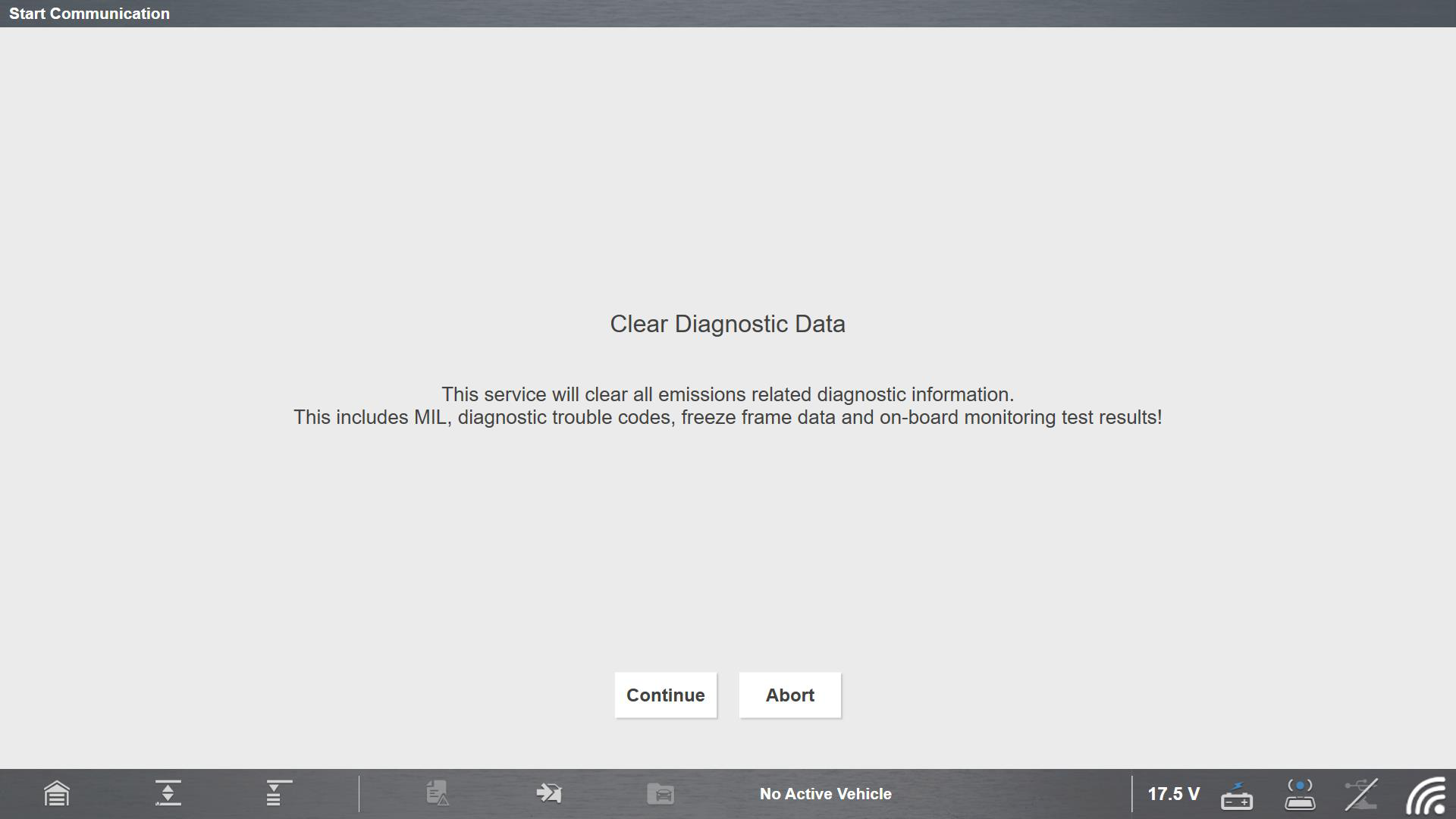
| 2. | Continue from the confirmation message. |
The screen updates several times as the memory is erased, then a “data has been cleared” message displays.
| 3. | Select Continue to return to the Select Service menu. |
($05, 06, 07) Display Test param./Results
This option opens a submenu of services for to display parameters and test results from various sensors, monitor test results, and a record of DTC setting conditions detected during the last drive cycle. The submenu includes:
($05) Oxygen Sensor Monitoring
This option provides test results for checking the integrity of the oxygen (O2) sensors for non-CAN Bus vehicles. Making a selection displays all of the pertinent O2 sensor parameters for the specific test. The test identification (ID) displays at the top of the data list. Typically this mode will not be available when testing a CAN Bus equipped vehicle, as the applicable data is provided in mode six.
($06) On-board Monitored Systems
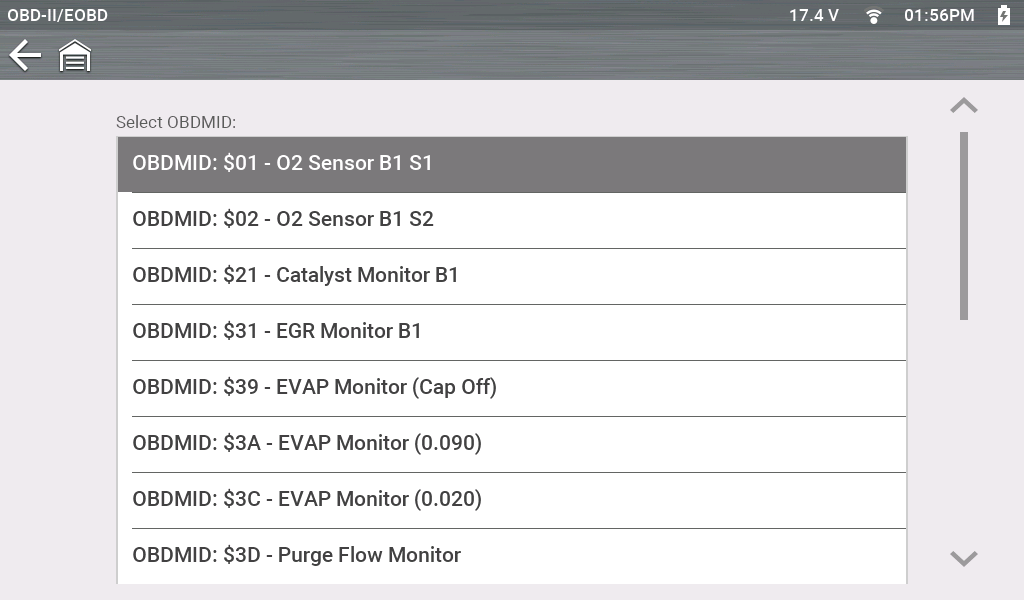
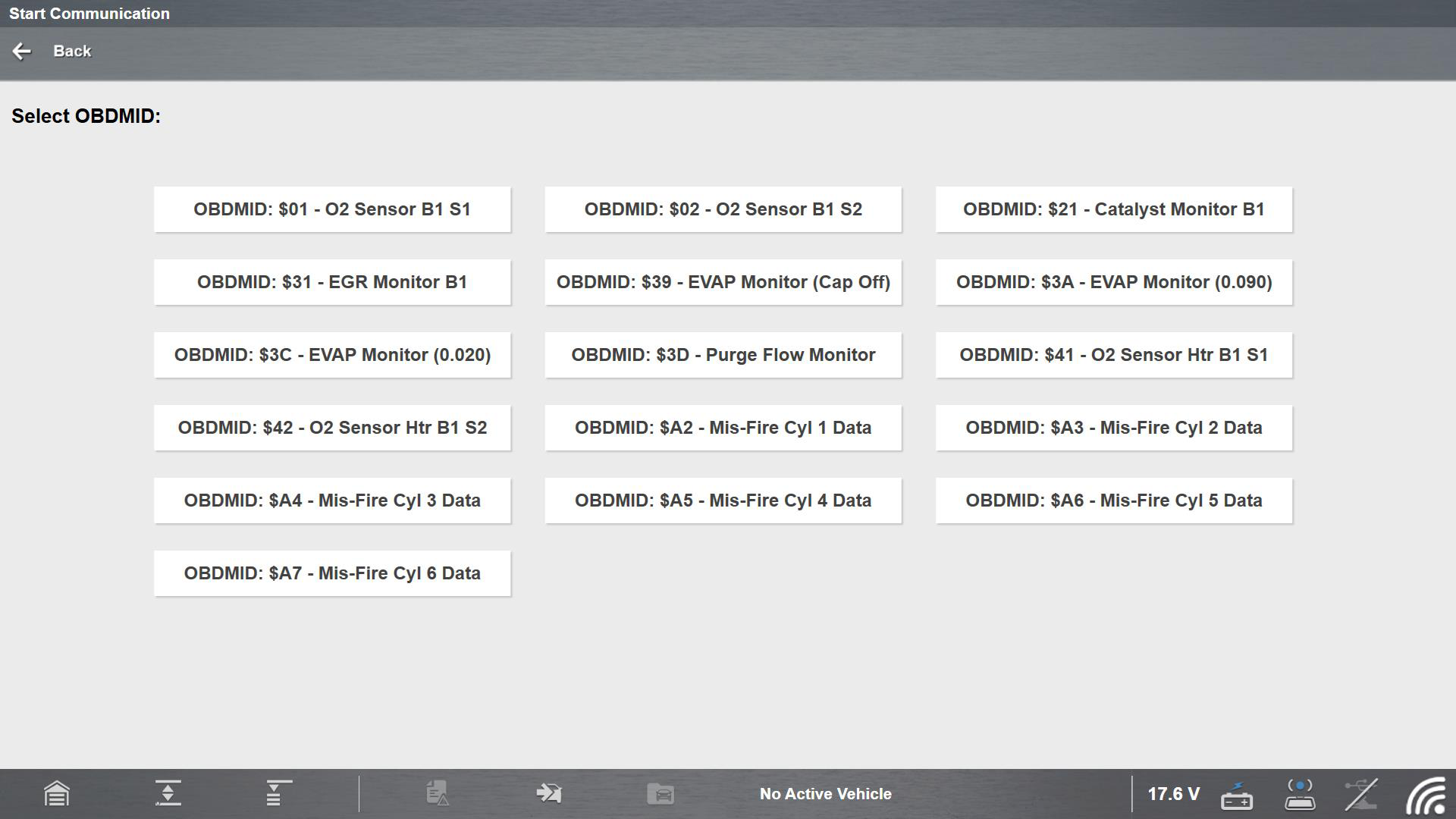
This mode provides monitored system test results. The available data is for specific systems and components that the on-board diagnostic system monitors continuously, such as misfire, or non‑continuously, such as the catalyst system. Mode $06 information may vary between make/model/year and may require information from the OEM in order to interpret the results.
Typical Screens from Current Diagnostic Tools
To find OEM mode 6 information, check the OEM service information. As an alternate source visit NASTF.org
For CAN Bus equipped vehicles, OEMs typically define the different test results using Monitor ID's (MID) numbers (e.g MID $39, $A2), and Component IDs (CID). Each MID and CID may provide test result values and fault limits that can help you identify which monitor has failed and help validate the repair after completion.
For pre-CAN Bus equipped vehicles, OEMs typically defined the different test results using Test ID (TID) and Component IDs (CID). These were used in the same manner as described above for CAN Bus vehicles.
($07) DTCs Detected During Last Drive
This mode is also commonly known as "Pending Codes". Mode seven provides a record of pending or maturing DTCs that set during the last completed drive cycle.
This information can be helpful when verifying a repair, by checking the results after a drive cycle.
Typical Screens from Current Diagnostic Tools
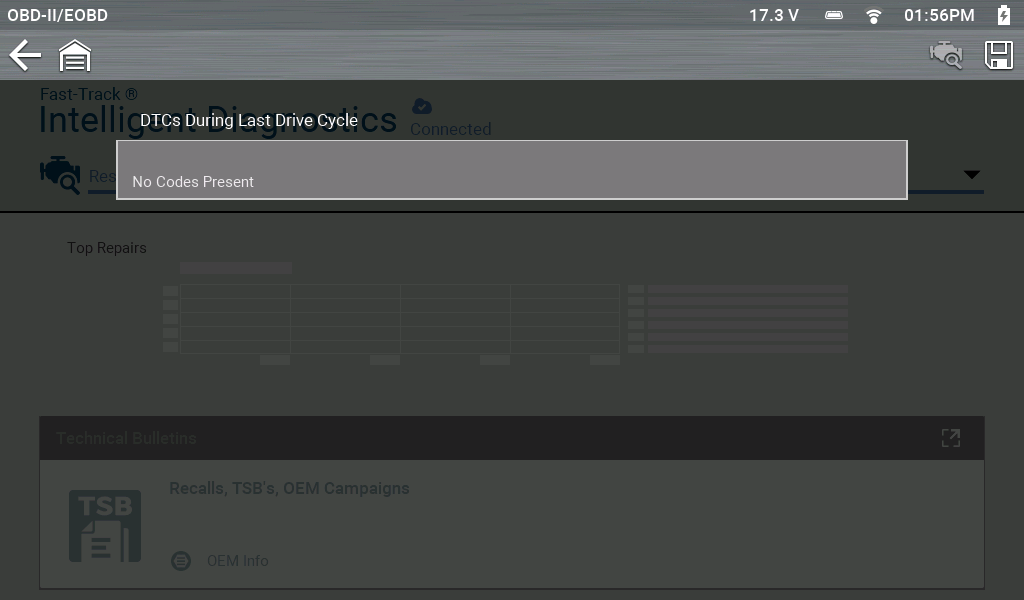
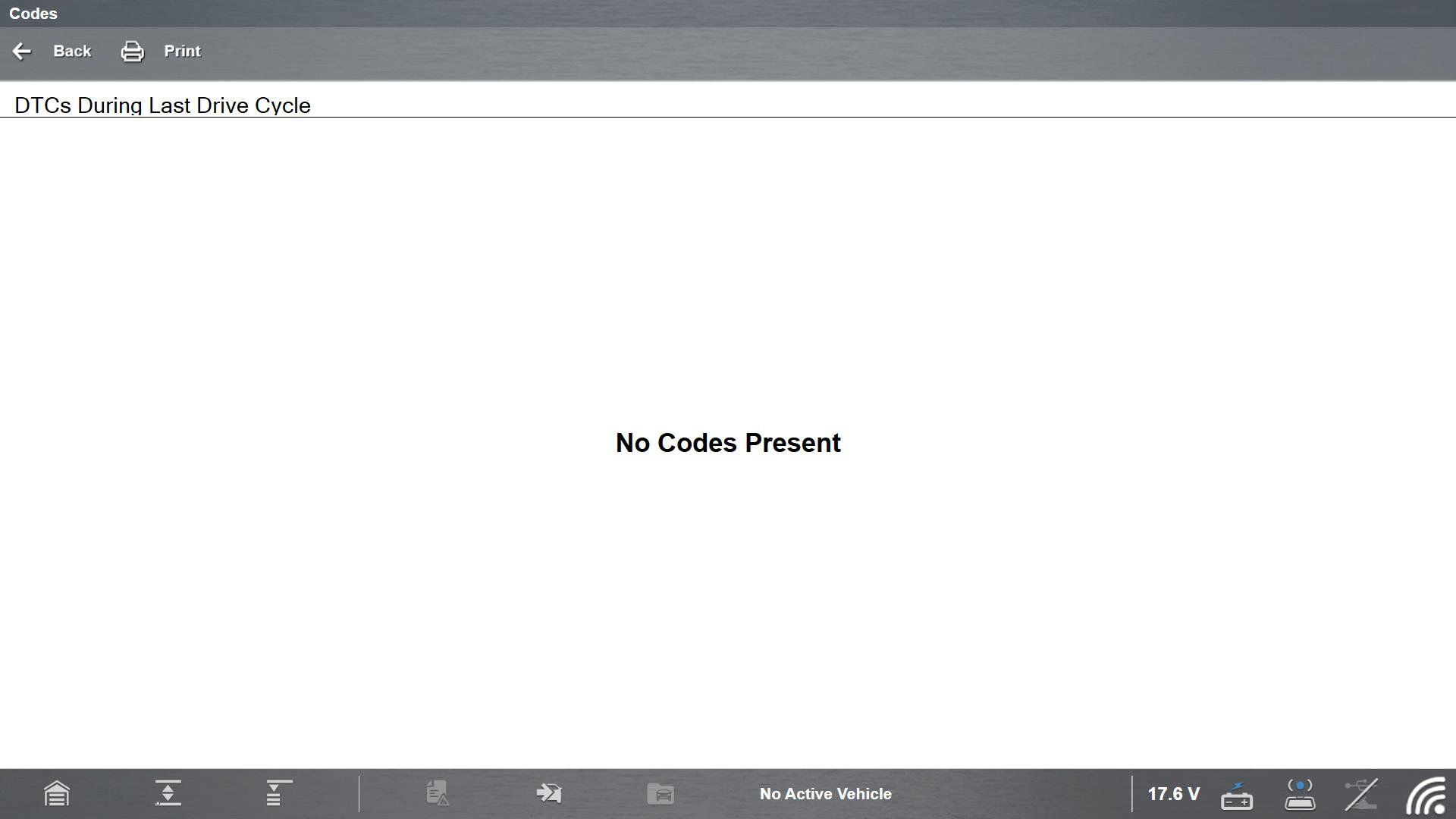
This mode is also referred to as "pending" or "two-trip" codes. These are codes whose setting conditions were met during the last drive cycle, but did not activate the MIL. The conditions need to be met two or more consecutive drive cycles before the DTC actually sets and is stored in the mode three list.
Save valuable time by using this service to verify test results after a single drive cycle following a vehicle repair and code clearing procedure.
| ● | If a test failed during the drive cycle, the DTC associated with that test is reported. If the pending fault does not occur again within 40 to 80 warm-up cycles, the fault is automatically cleared from memory. |
| ● | Test results reported by this service do not necessarily indicate a faulty component or system. If test results indicate another failure after additional driving, then a DTC is set to indicate a faulty component or system, and the MIL is illuminated. |
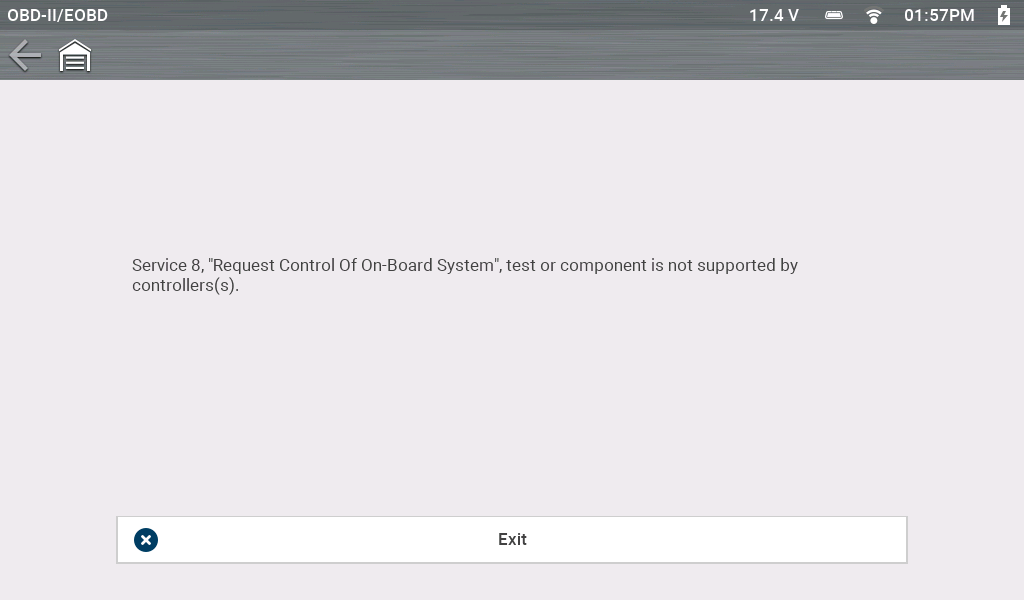
($08) Request Control of On-board System
This mode provides bidirectional control of applicable emissions related components. When supported, this typically allows the diagnostic tool to control the operation of the EVAP vent and purge solenoids.
Typical Screen from Current Diagnostic Tools
($09) Vehicle Identification
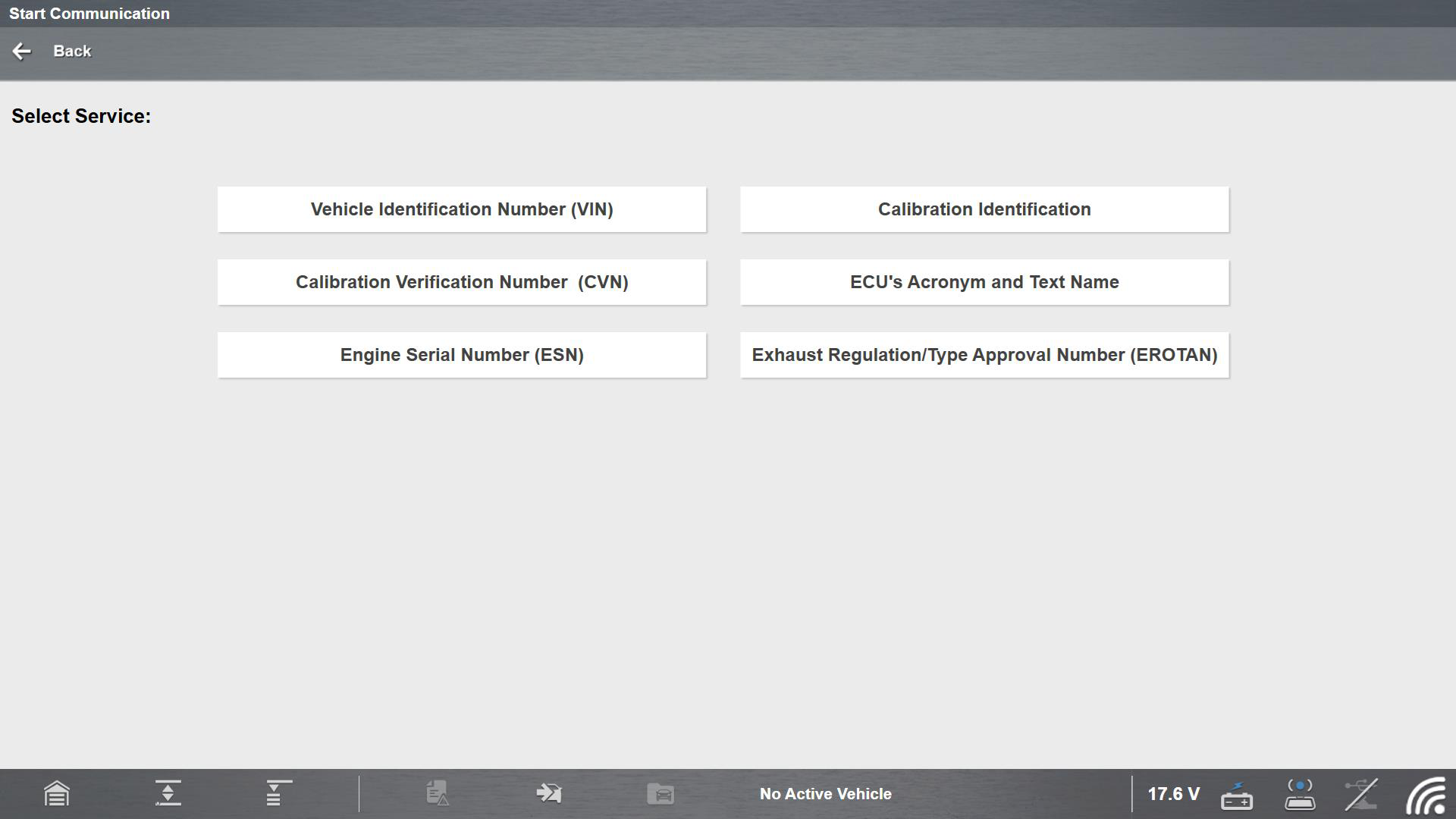
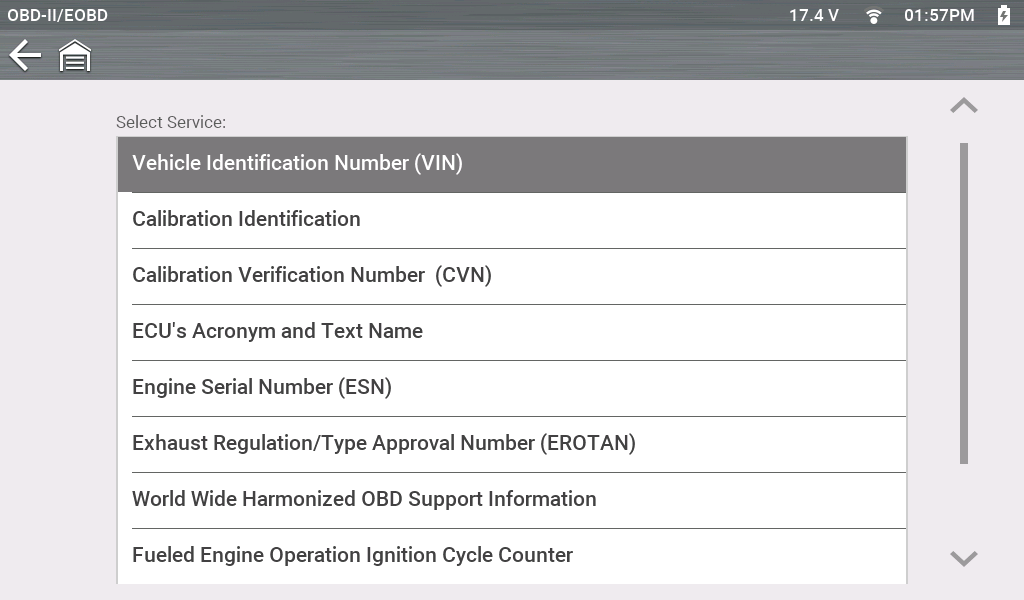
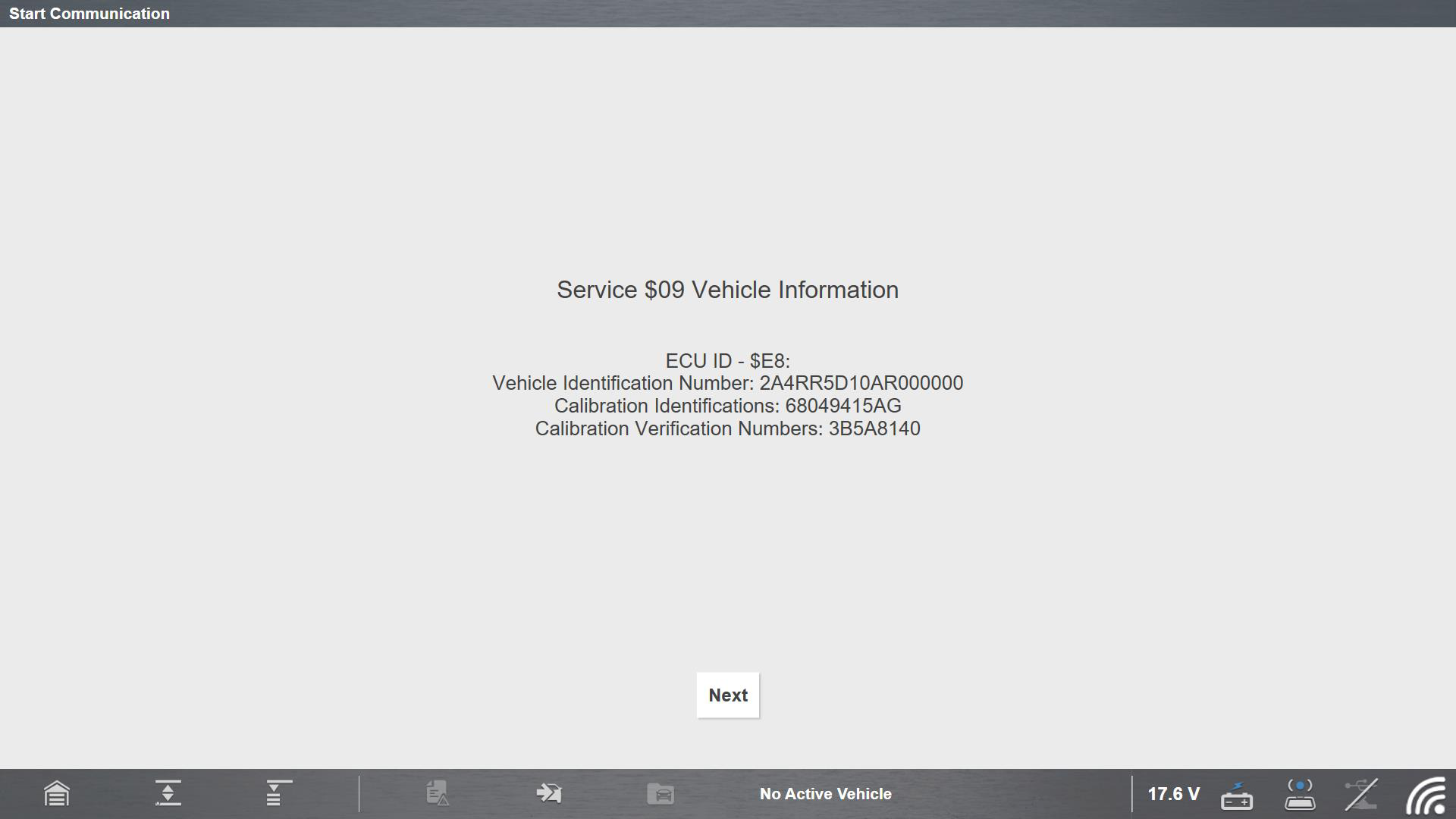
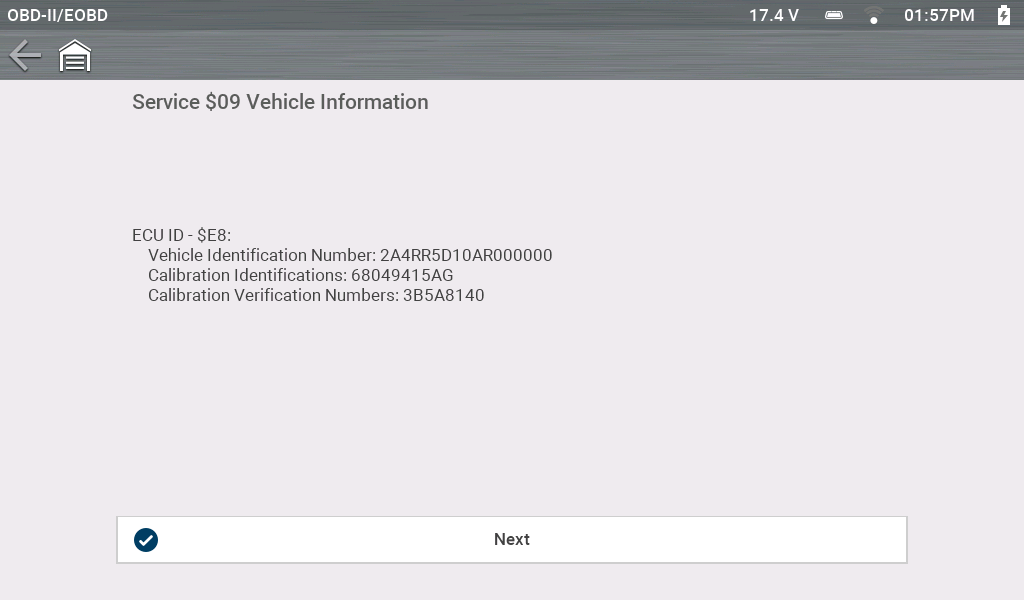
This mode can provide various vehicle-specific information from the applicable emission related modules, such as the vehicle identification number (VIN), and module calibration, verification numbers (CVN). Select a menu item to retrieve the information. This information can be helpful when reprogramming is needed and in verifying if the module(s) match the actual vehicle VIN and if their calibration version is current.
Typical Mode 9 Menu Screen from Current Diagnostic Tools
Typical Mode 9 In-use Performance Tracking Screen from Current Diagnostic Tools
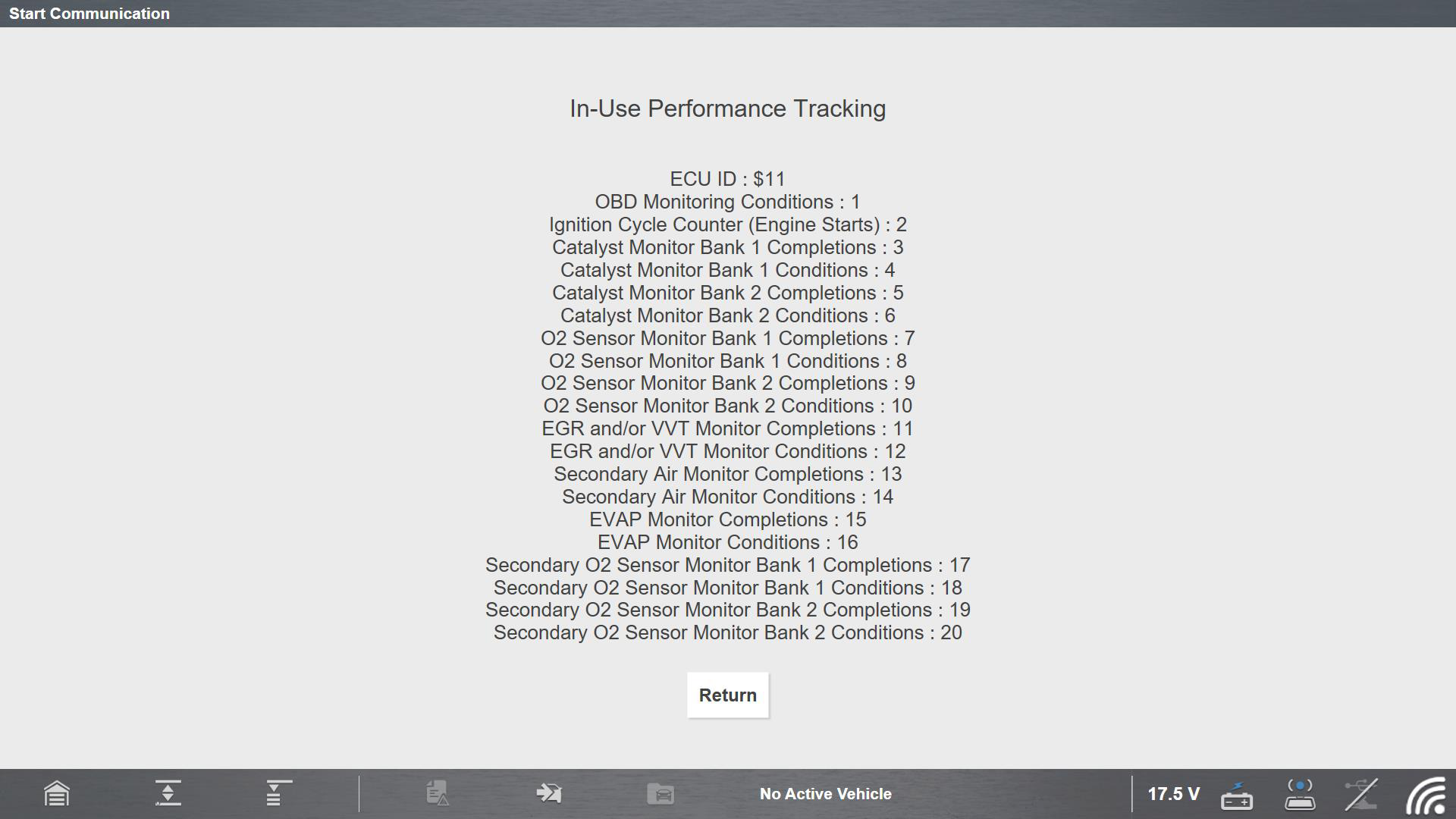
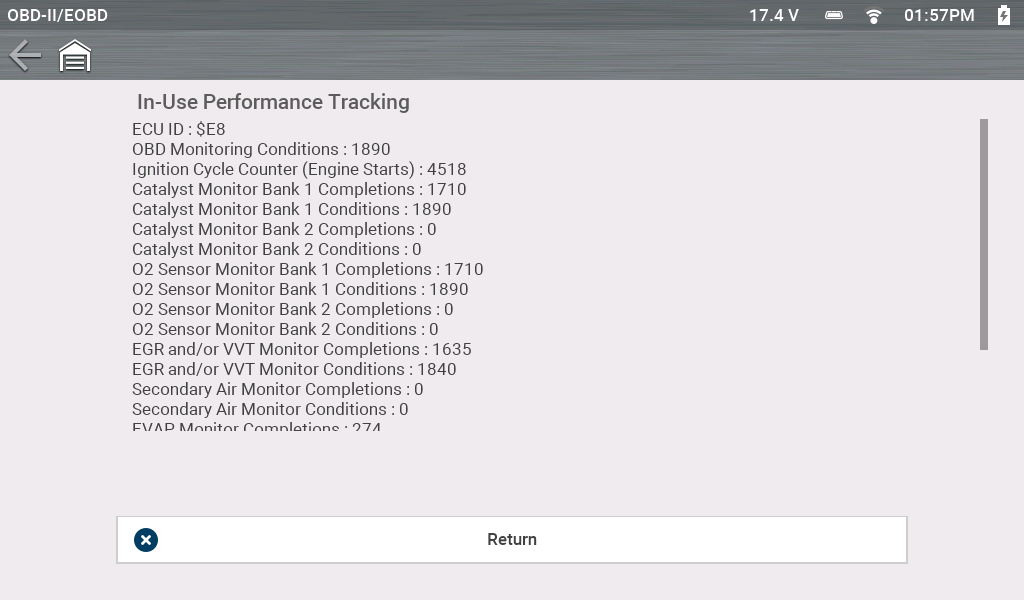
This option displays the “In-use Performance Tracking” of data. This is a record of the number of times each of the monitor tests have been completed.
Typical Mode 9 Vehicle Information Screen from Current Diagnostic Tools
($0A) Emission Related DTC with Permanent Status
Mode ten displays a record of any “permanent” codes. A permanent status DTC is one that was severe enough to illuminate the MIL at some point, but the MIL may not be on at the present time.
Whether the MIL was switched off by clearing codes or because the setting conditions did not repeat after a specified number of drive cycles, a record of the DTC is retained by the ECM. Permanent status codes automatically clear after repairs have been made and the module successfully completes it's monitor testing procedure. The criteria for successful monitor testing may include completion of multiple successful drive cycles, or a universal trip drive pattern, refer to OEM service information for details.
Typical Screens from Current Diagnostic Tools