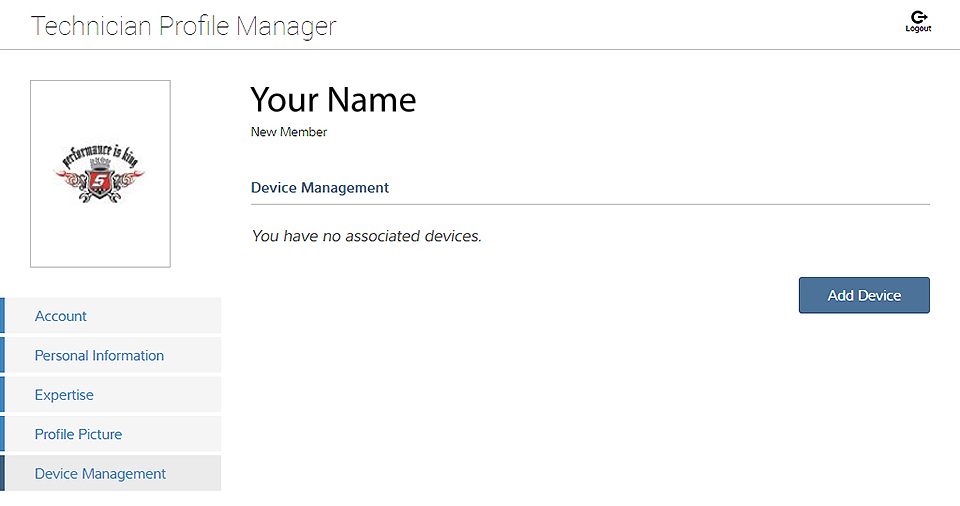
This screen manages devices associated with your account:
Select Add a Device to setup and add an authorized device (e.g. diagnostic tool or Diagnostic Tool).
Enter the device:
| ● | Serial Number - serial number of the device |
| ● | PIN - specific PIN associated to the device |
| ● | Code - authorization code specific to the device |
Device Name - user define name
When finished select Save to save and link the device to your account.