Sharing Reports from My Files
Sharing reports from My Files allows you to share a report(s) with others via e-mail, text, social media, etc. My File links are intended as temporary links, and are useful when sharing a report(s) with another Snap-on Cloud user, technician, or shop. If you delete the report from My Files, the shared link will be broken.
The file details displayed in a shared link will be different depending if the message recipient is logged in or not. If the recipient is not logged in, only limited details are displayed.
The URL link that is sent only displays:
| ● | The Report |
| ● | Report Name |
| ● | Your User Name |
| ● | Date Report was posted |
| ● | Report Description |
Sharing / E-mail an Individual Report (Link icon)
To share a report:
| 1. | Select the Link icon on the report card. |

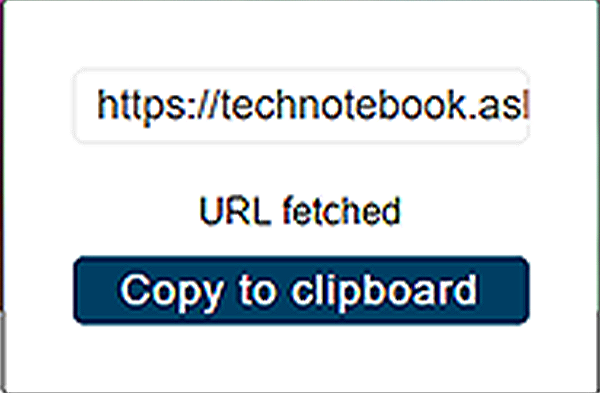
| 2. | Select Copy to Clipboard from the pop-up window. |
| 3. | Open your (e-mail, text, social media, etc.) app and paste the URL into a message to share with others. |
Sharing all Reports (Share My Gallery)
To share your entire gallery (all files in My Files):
| 1. | Select the Menu icon from the upper toolbar. |

| 2. | Select Share My Gallery. |
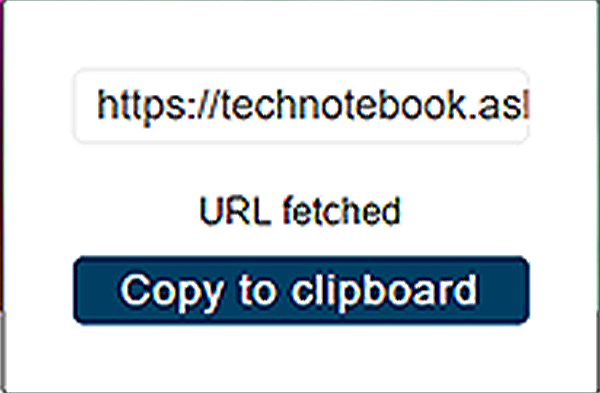
| 3. | Select Copy to Clipboard from the pop-up window. |
| 4. | Open your (e-mail, text, social media, etc) app and paste the URL into a message to share with others. |