This screen displays the diagnostic tool Serial Number, PIN and Code, that are used to link your tool to your Snap-on Technician Profile (which allows you to use other apps like the Snap-on Cloud and Security Link).
For additional information see, Snap-on Technician Profile *
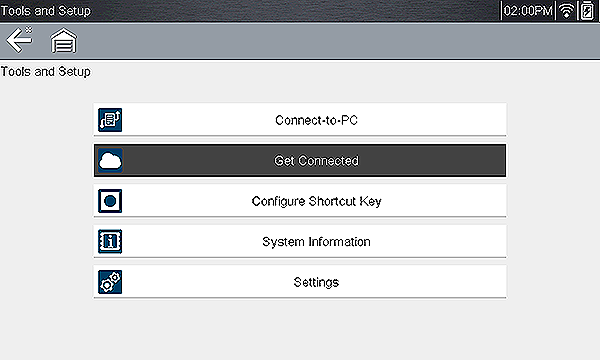
From the Home screen, select Tools > Get Connected
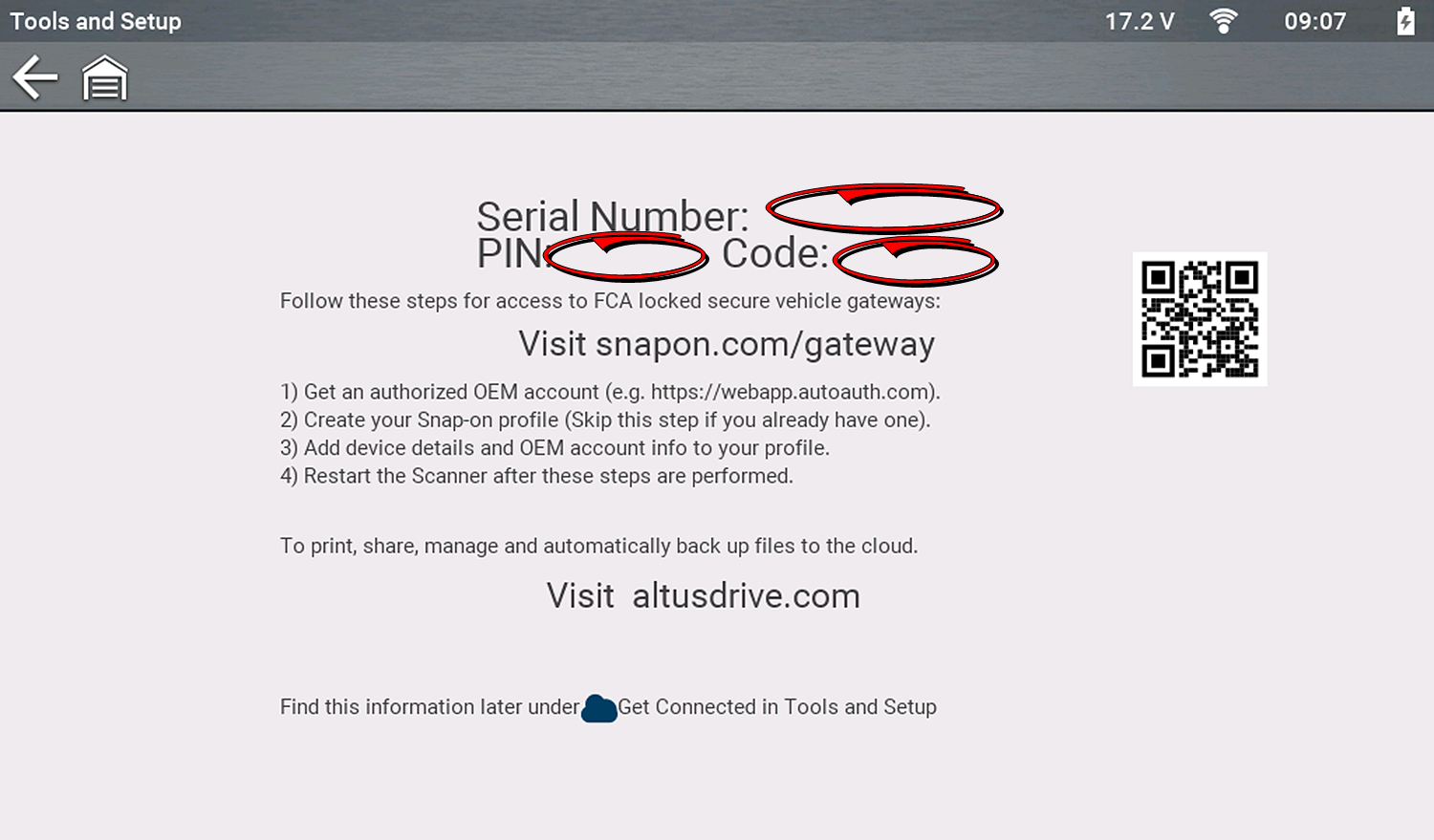
The PIN and Code numbers will change each time you view the Get Connected screen, this is normal. Any displayed set of PIN and Code numbers may be used.