The expert tips menu includes a Demonstration option, which allows you to quickly demonstrate and view sample thermal images, video clips and expert tips.
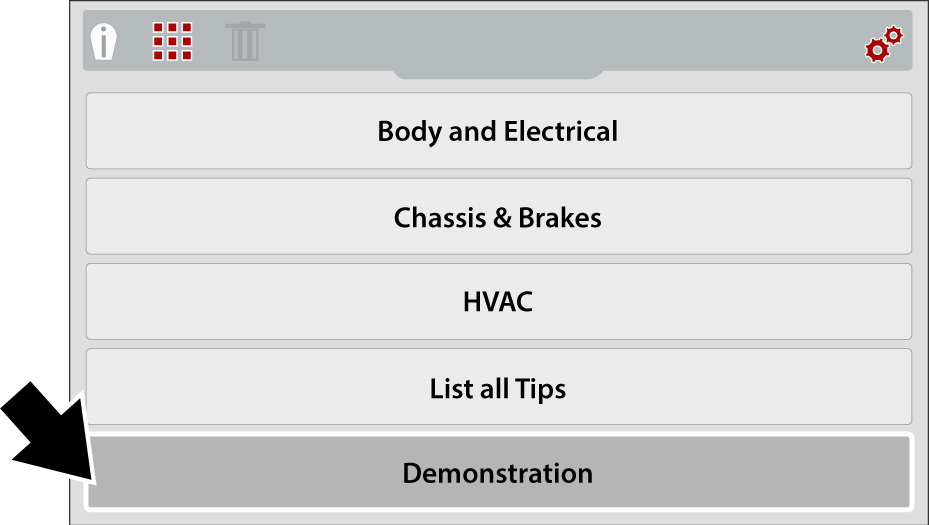
| 1. | From the expert tips menu, select Demonstration. |
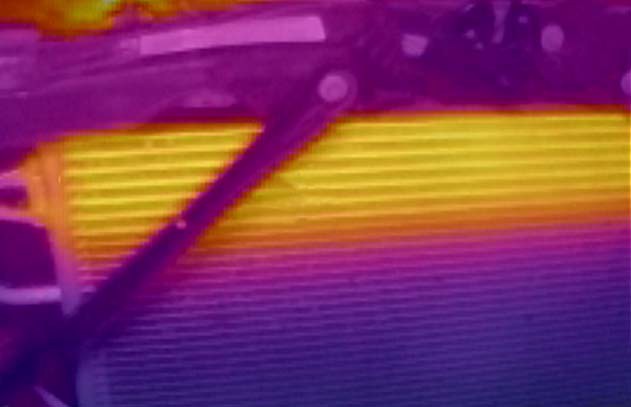
A thermal image or video clip example will appear on the screen.
Demonstration - Thermal Image Video Example
| 2. | Select the Down button to scroll through various expert tips |
Scrolling of examples will restart again, after the last image/tip is selected.
| 3. | When finished, press the N button to return to the expert tips menu, or press the Menu button to return to Live mode. |


