Conversion of Loaner Unit to Saleable Unit
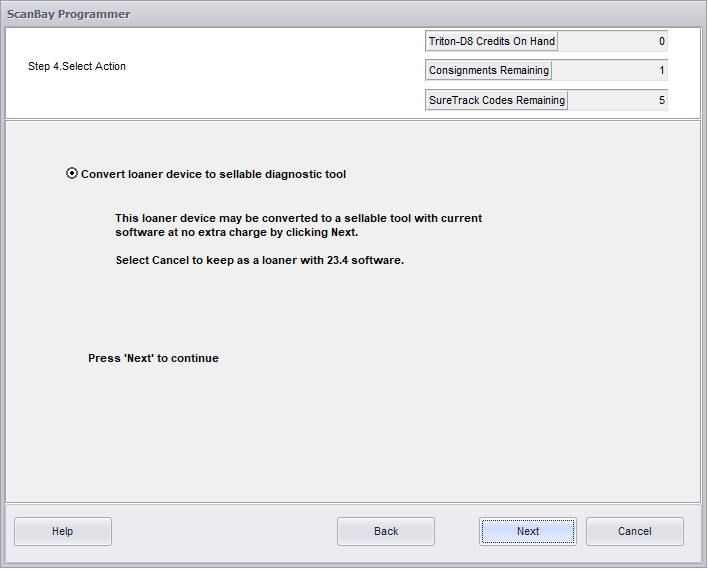
This is a FREE Conversion when using SCANBAY® 24.2
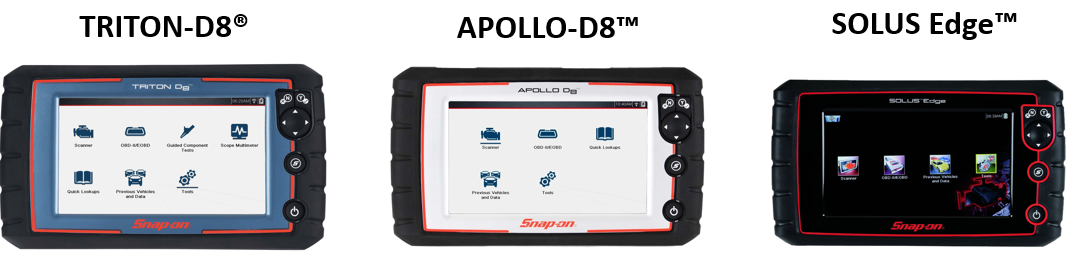
Conversion is ONLY applicable for these units..
IMPORTANT - READ THIS!
| ● | This conversion is only available for TRITON-D8, APOLLO-D8 and SOLUS Edge loaner units |
| ● | These units : |
| – | Have all been superseded by newer platforms, therefore are no longer to be used as loaners |
| – | Can only be upgraded to 24.2 software by converting them to a saleable unit |
| – | Have no option to keep them as loaner units AND be on current software |
HOW TO CONVERT
Follow the normal Scanbay Upgrade Instructions, but pay attention to step 4 (below) it's new.
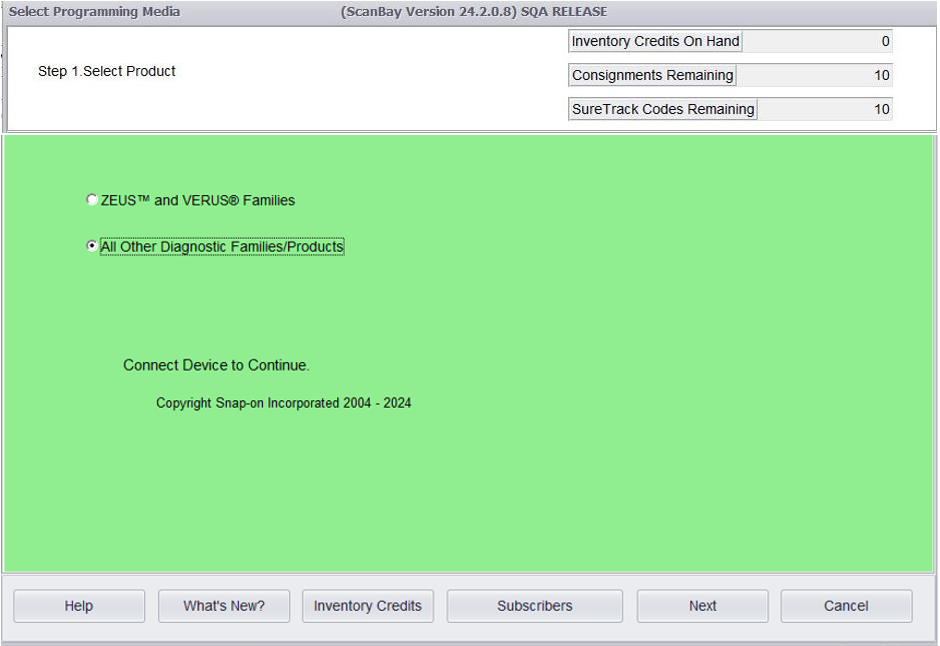
Step 1 - Select Product "All Other Diagnostic Families / Products"
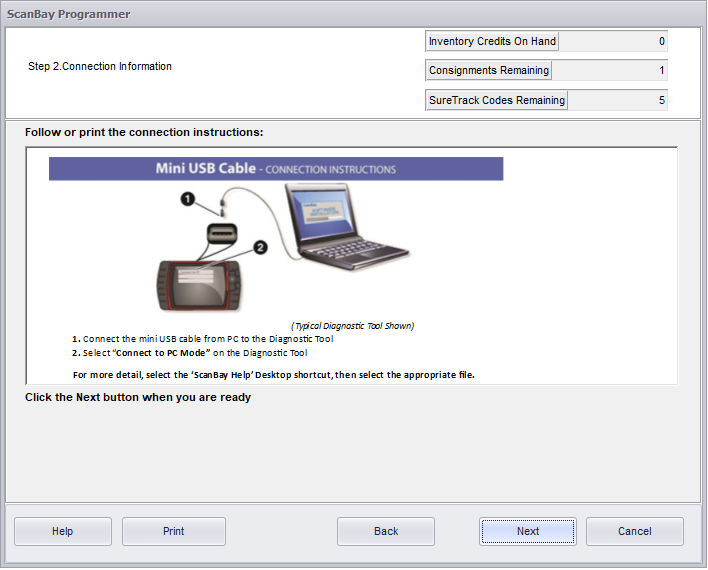
Step 2 - Connect the platform to the Chrome PC
Step 3 - Select Next to view qualifying software.
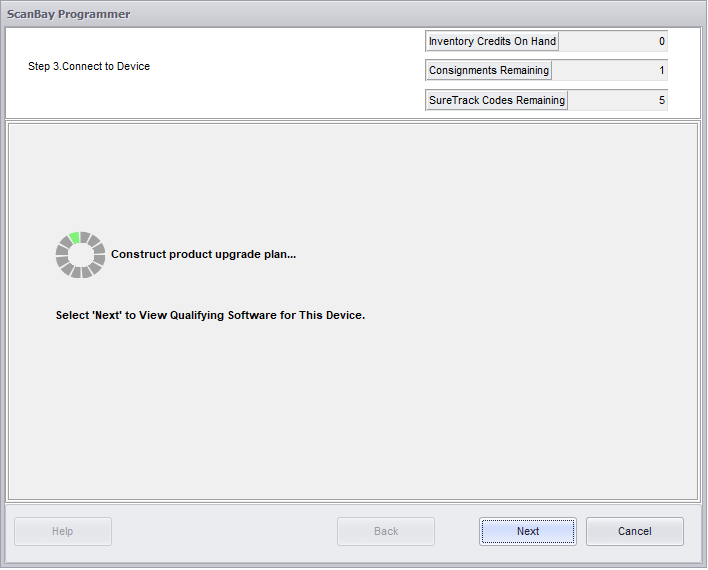
Step 4 - Select the option "Convert loaner to sellable diagnostic tool"
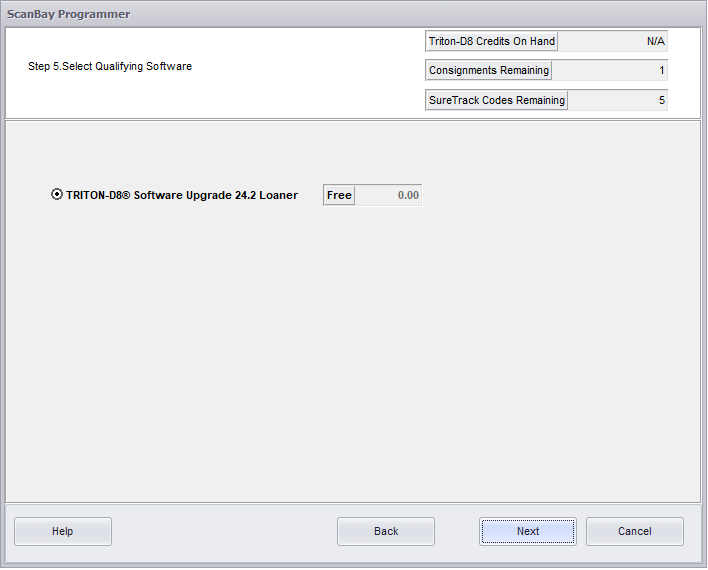
Step 5 - Select the qualifying software (e.g. TRITON-D8 Software Upgrade 24.2 Loaner)
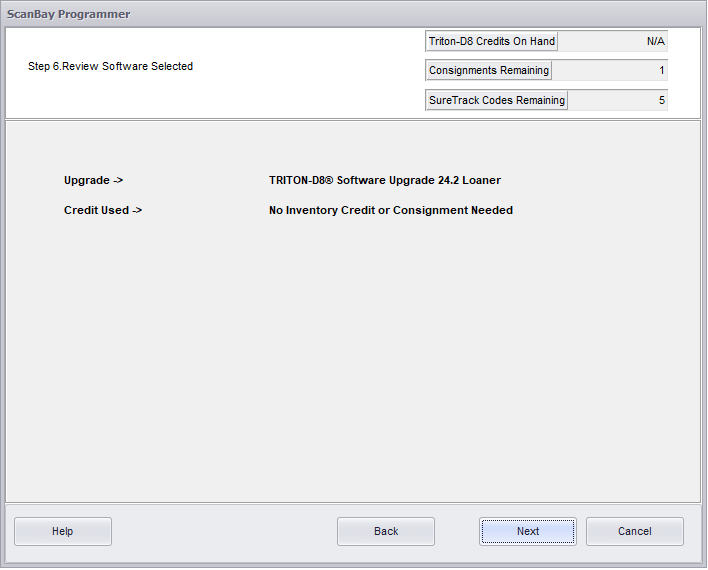
Step 6 - Confirm your selection
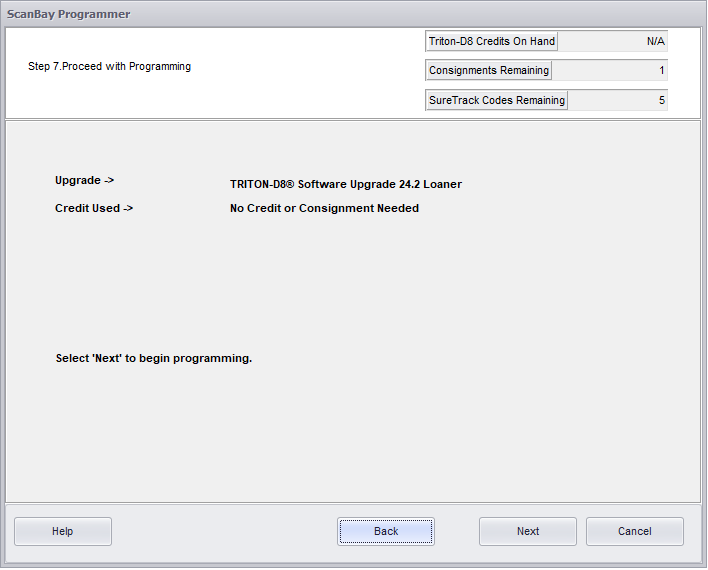
Step 7 & 8 - Program the unit
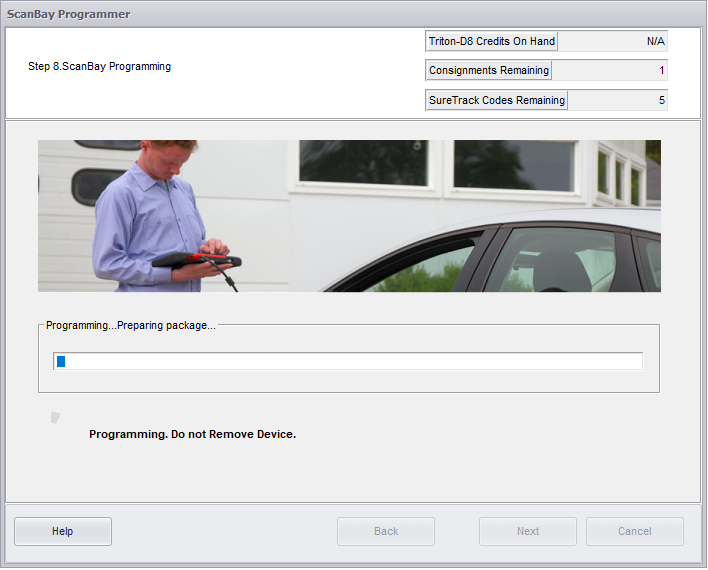
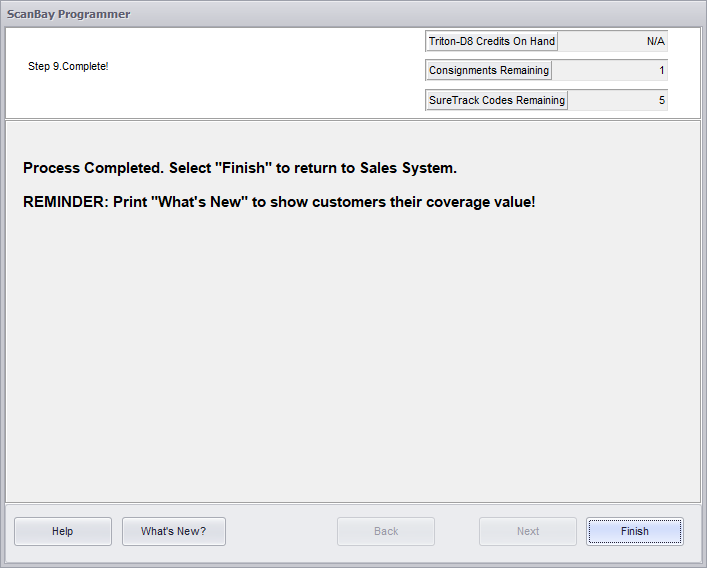
Step 9 - Once the unit has completed programming, select Finish to end the process and return to the Sales System screen.