RepairConnect
RepairConnect is an online (requires W-Fi connection) service and repair information service, and is included as part of your current Pro-Link+ software subscription.
RepairConnect provides access to diagnostic trouble code (DTC) related service information:
| ● | Trouble code descriptions |
| ● | Related wiring diagrams |
| ● | Component connector views |
| ● | Electrical component locator |
| ● | Testing procedures |
| ● | Removal and installation procedures |
| ● | DTC related specifications |
 About Automatic Vehicle Identification
During normal operation when the CIM is connected to a vehicle, RepairConnect will automatically attempt to identify the vehicle by it's VIN.
In the event that RepairConnect cannot automatically identify the vehicle and error message is displayed.
To Manually enter the VIN, enter it in the VIN field then click Go.
In the event, you don’t have the VIN, you can use the "Please enter the VIN" or Vehicle Information drop-down menu to select Vehicle Year, Vehicle Make, Vehicle Module, and Engine. When finished click Go.
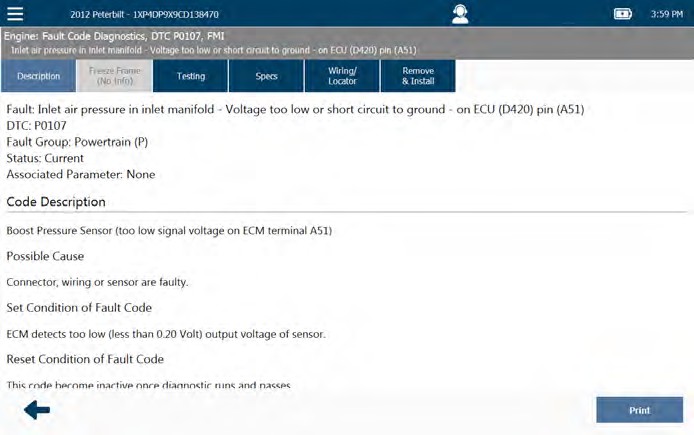
The Code Description Tab
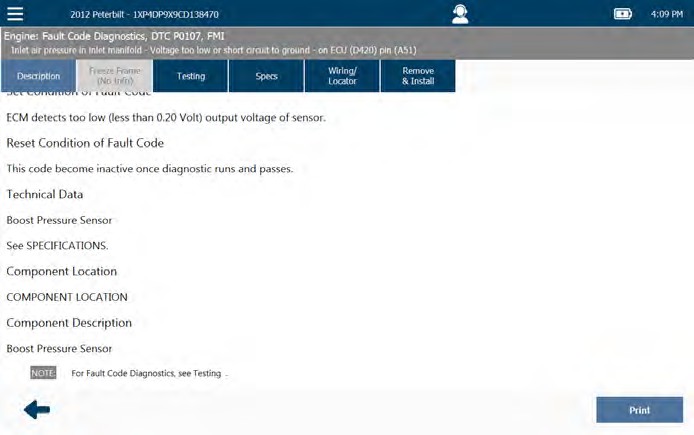
The Description tab is the default tab, and provides an expanded code description.
Scroll down to view all information.
Typical screens shown.
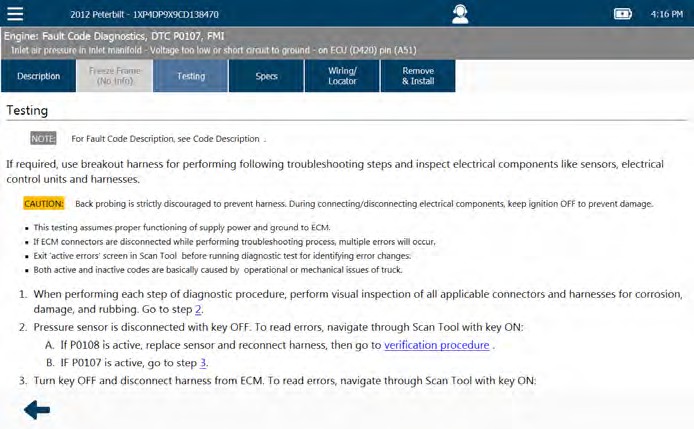
The Testing Tab
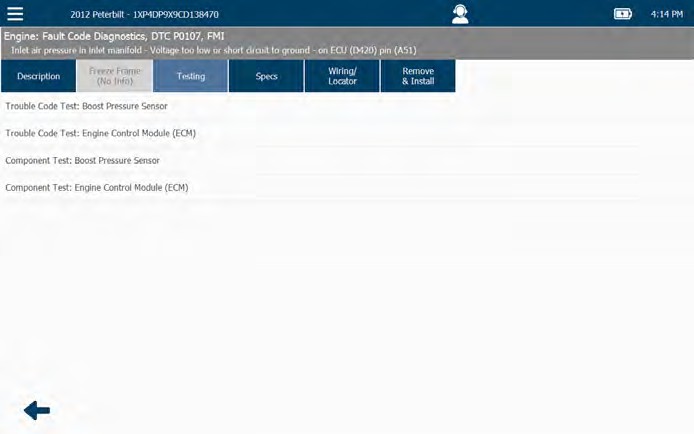
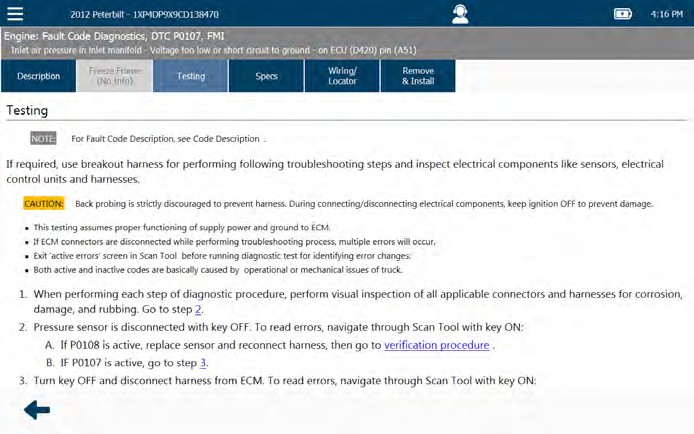
The Testing tab includes testing information specific to the currently selected fault (e.g., Testing Boost Pressure Sensor).
Scroll down to view all information.
Typical screens shown.
The Specs Tab
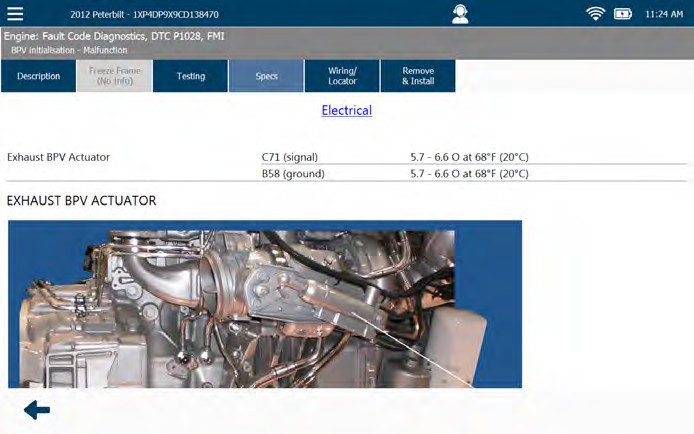
The Specs tab includes technical specifications for fault related components.
The Wiring/Locator Tab
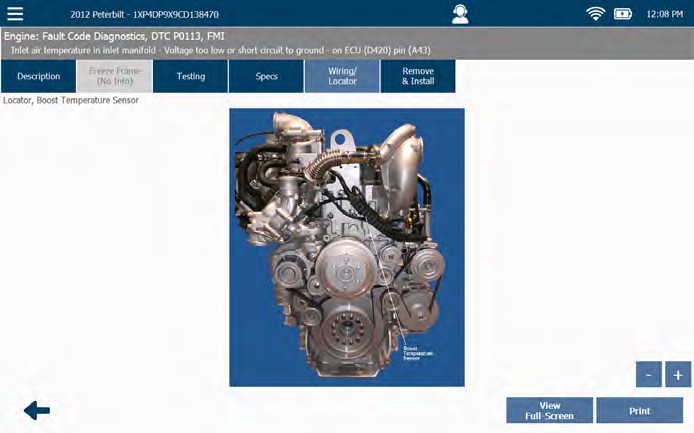
The Wiring/Locator tab includes wiring diagrams and/or pictures showing the location of the related component or connector.
| ● | Use the plus (+) and minus (-) sign buttons to zoom in and out. |
| ● | Use the View Full-Screen button to enlarge the image. |
Typical screens shown.
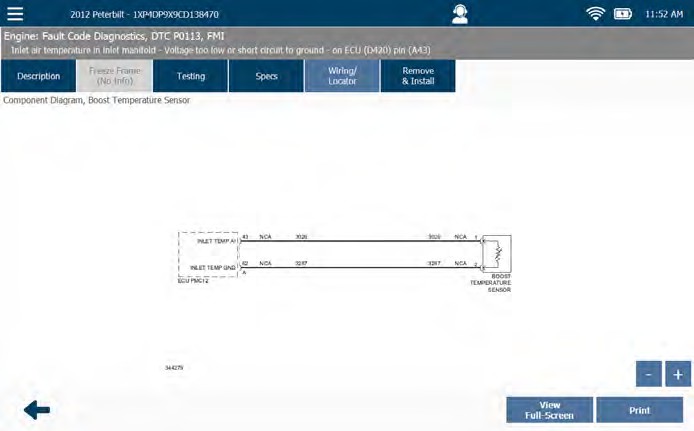
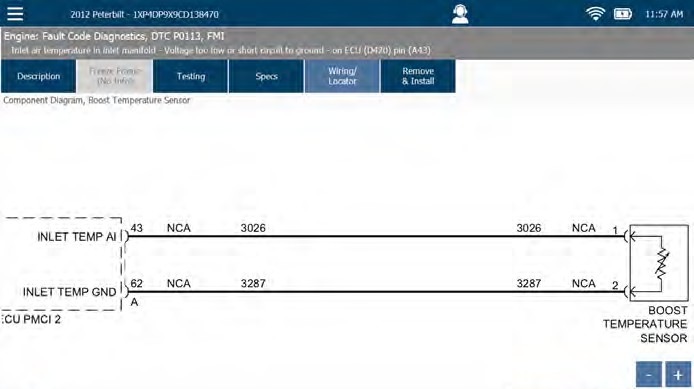
It can be helpful (especially with large and complex wiring diagrams) to position the image in the center of the screen prior to printing it as only the current screen view will print. To do so, touch the screen and drag your finger to position the image.
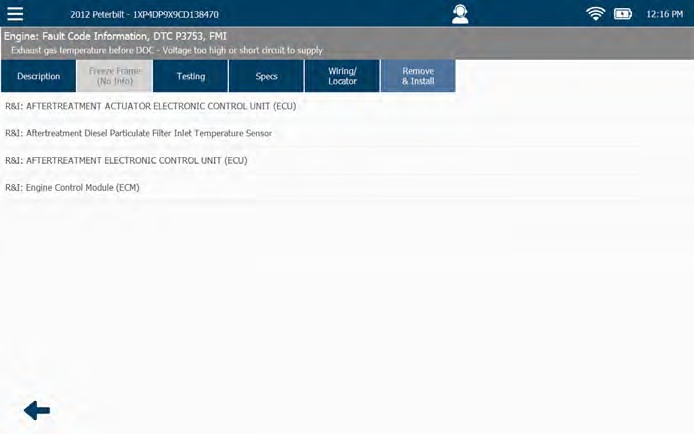
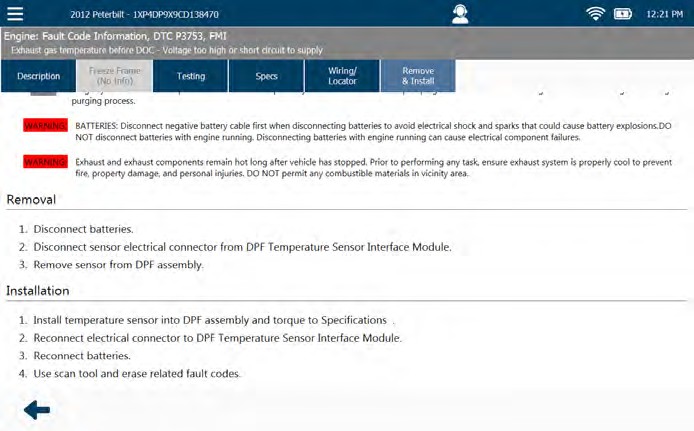
The Remove & Install Tab
The Remove & Install tab provides access to removal and installation procedures.
Typical screens shown.