Settings Menu
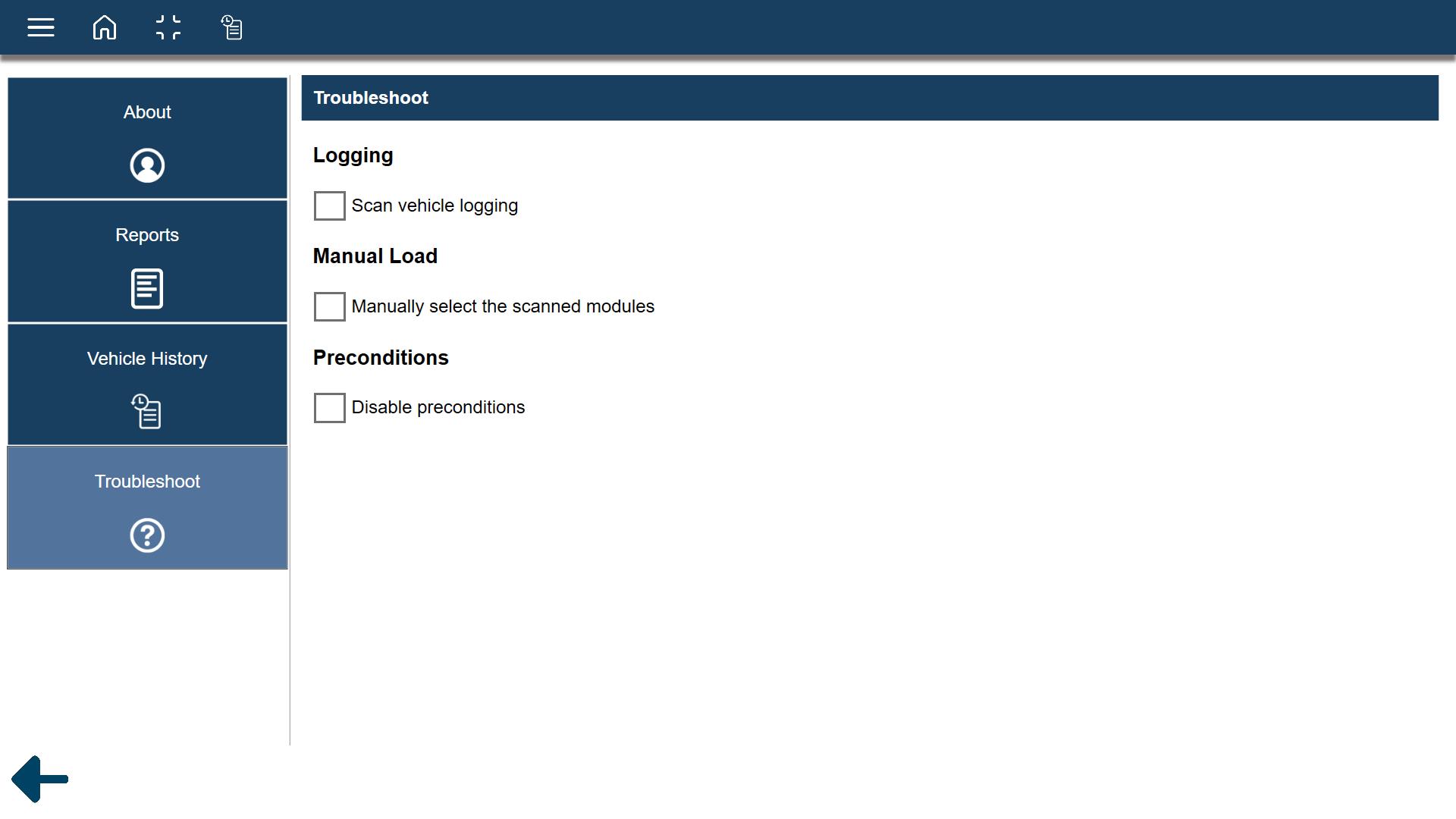
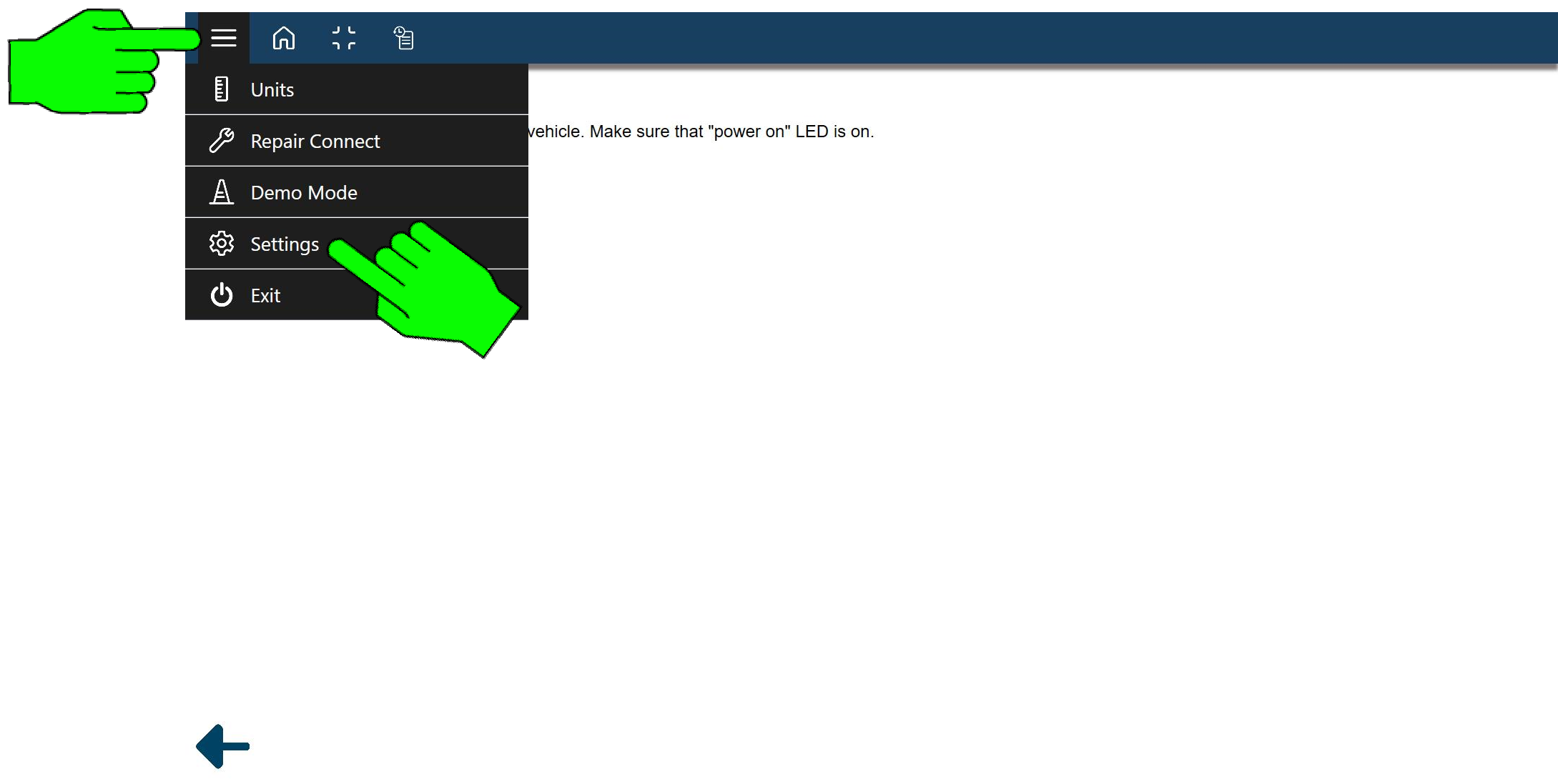
To access the Settings Menu, from the toolbar select the Menu  icon, then Settings.
See the following topics for additional information.
 About
About
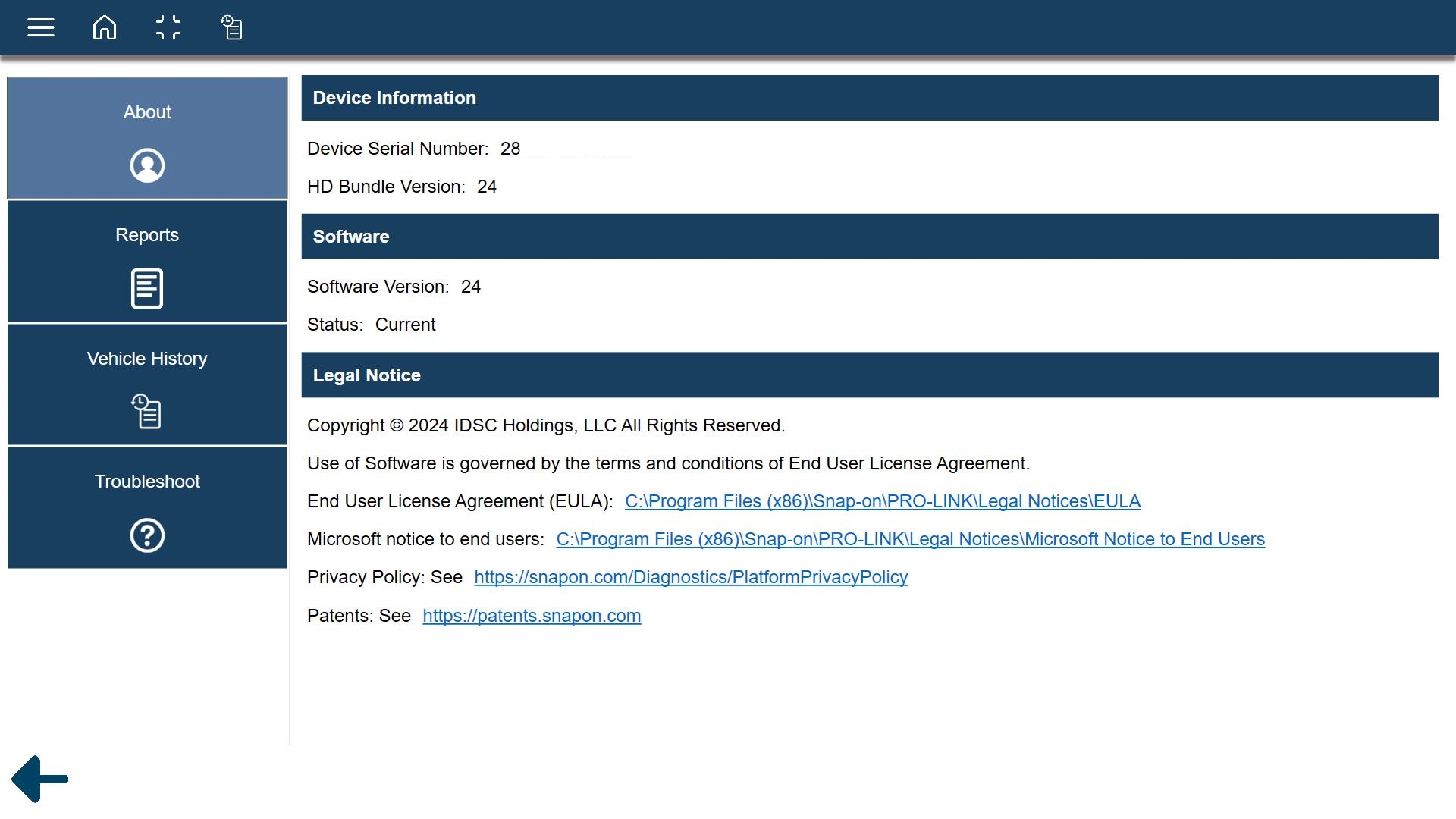
Device Information displays:
| ● | Device Serial Number |
| ● | Installed HD Bundle Version Number |
Software displays:
| ● | Installed Software Version Number |
| ● | Software Status |
Legal Notice displays important legal information:
| ● | See Legal for more information |
Reports
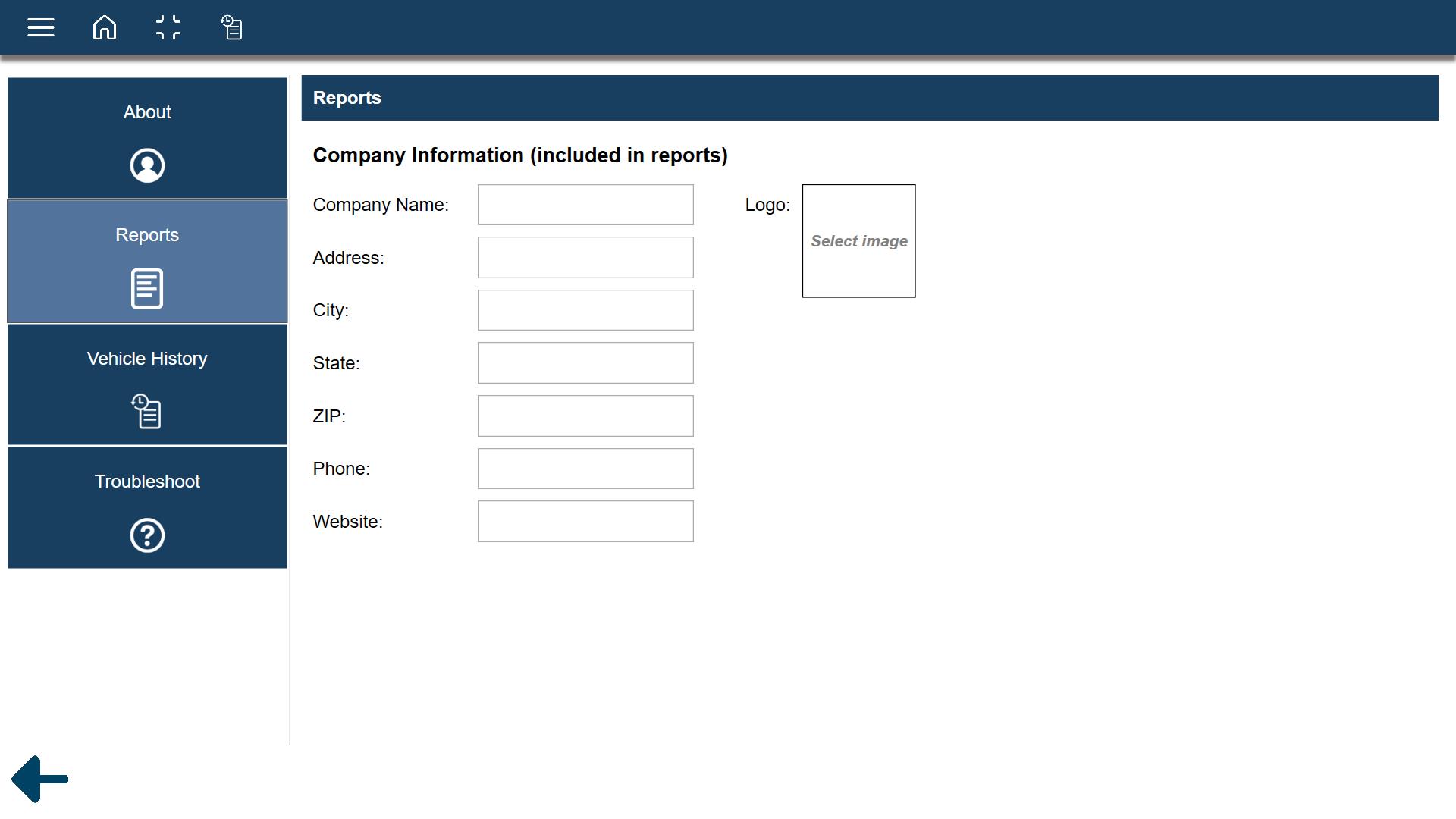
Reports allows you to enter personalized shop information to customize your generated vehicle reports.
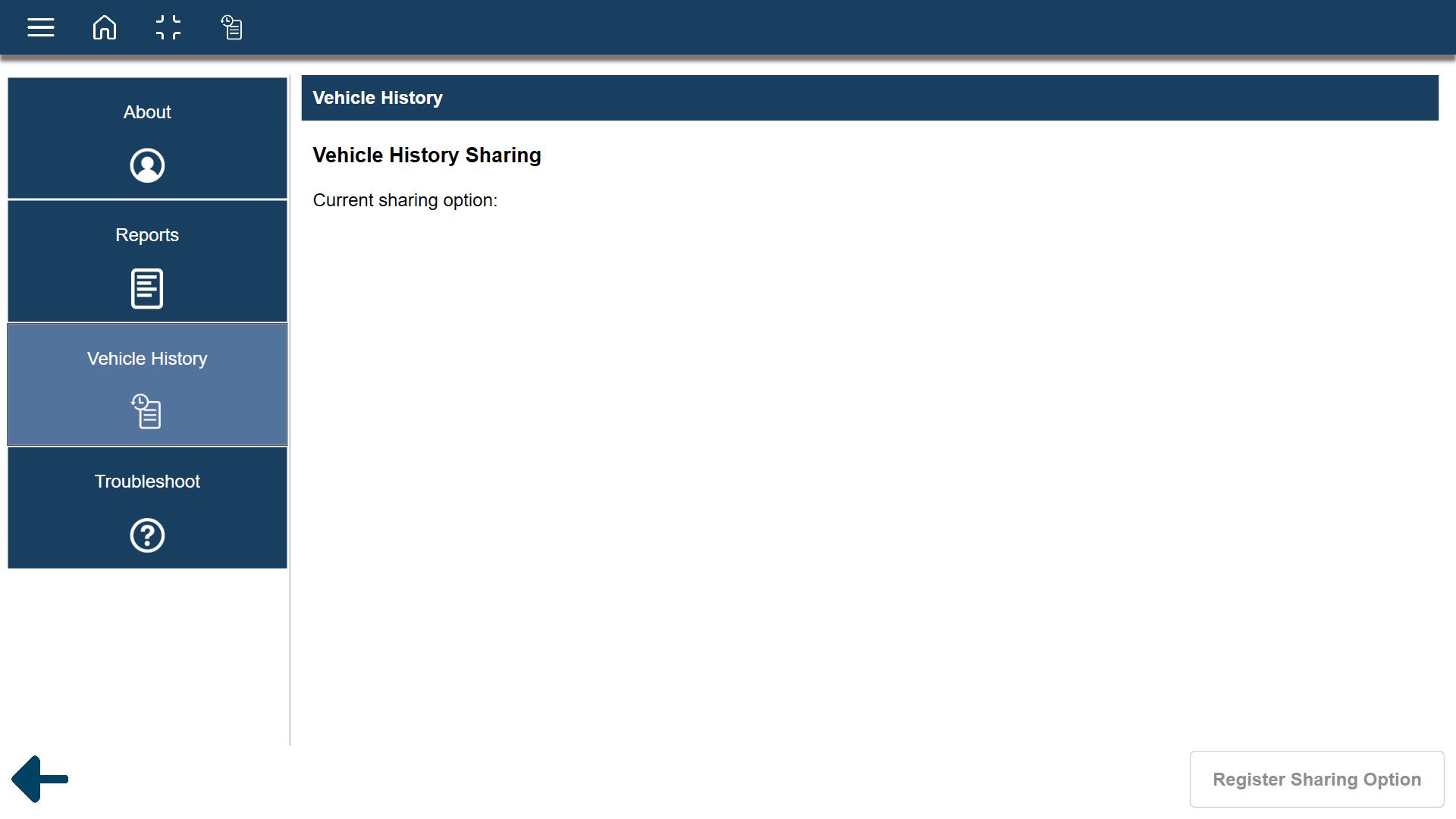
Vehicle History
Vehicle History allows you to use the RepairConnect vehicle history sharing feature. This allows you to share vehicle data with another authorized user.
Troubleshoot
Troubleshoot allows you to set the following options:
| ● | Logging - (Scan vehicle logging) The Logging utility is used by Snap‐on Technical Support to create a log file to assist in resolving issues encountered during an active vehicle session. The log is not visible to the user. However, it provides information useful to the Technical Support team when solving issues. |
| ● | Manual Load - Allows you to manually select module(s) to load after a scan is completed. |