Troubleshooter
Troubleshooter appears in a Scanner Main Menu only if tips are available for the system selected on the identified vehicle.
Troubleshooter is a database of experience-based repair strategies and information, that has been compiled and validated by experienced technicians. Troubleshooter simplifies the diagnosis process, as it contains information on virtually all common diagnostic trouble code (DTC) problems and driveability symptoms.
Troubleshooter information is organized into a series of diagnostic tips that are designed to quickly lead you to the root cause of a particular problem. The tips are vehicle‑specific, which means only tips that relate to the identified vehicle are presented. Selecting opens a menu that may include:
|
●
|
Code Tips—provides detailed information on setting conditions, testing, and interpreting test results for specific codes. |
|
●
|
Symptom Tips—provides diagnostic tests and procedures based on vehicle operation. |
|
●
|
Time Savers—provides supplemental information, such as firing order and #1 cylinder location, that may be needed to make a diagnosis. |
|
●
|
Common Problems—provides advice and remedies for certain “pattern failures” that have been experienced on vehicles of the same model. |
|
●
|
Tests and Procedures—explains how to perform certain tests on the specific test vehicle. Some tips provide specifications and installation information as well. |
|
●
|
Fast-Track Data Scan—contains information and guidelines on how to validate data readings for certain sensors and actuators, PID data values are provided. |
|
●
|
Fast-Track Fixes—provides actual repair information for related repairs. |
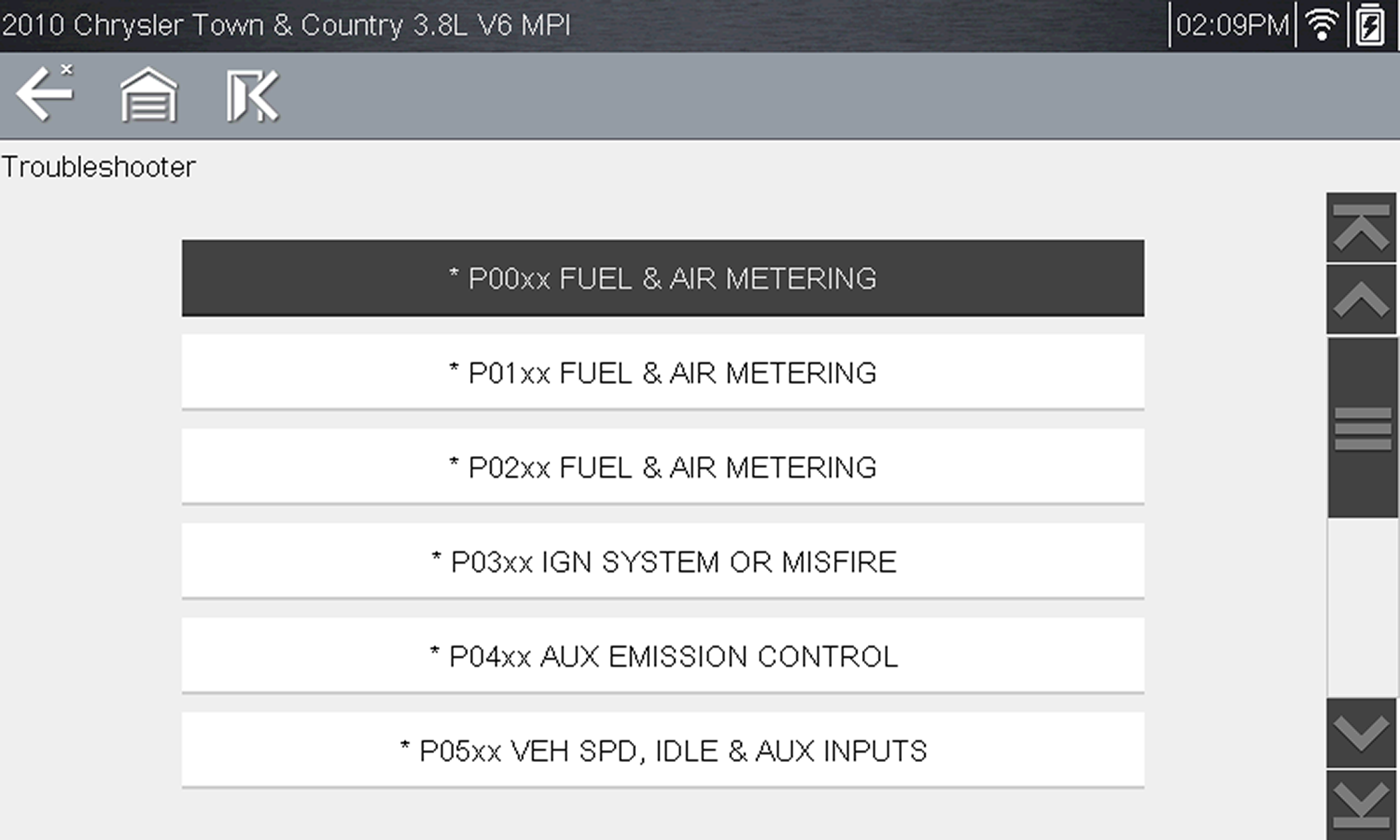
Troubleshooter code tip menu
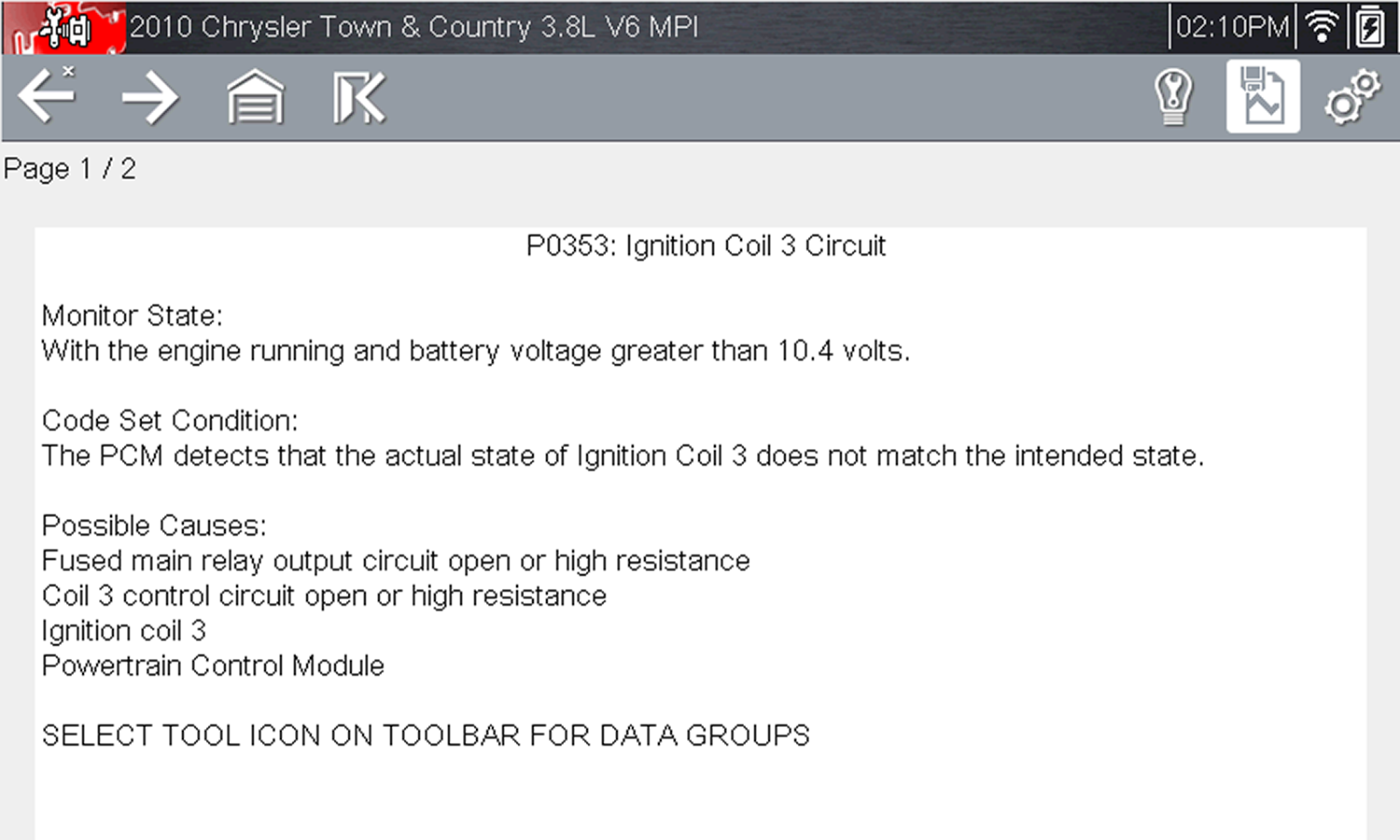
Troubleshooter tip (Example: P0353)