Secured Vehicle Gateway
To protect against unauthorized vehicle network manipulation, many automobile manufacturers now require special authorization to allow the scan tool to communicate with select vehicle modules.
To learn more about how to connect this diagnostic tool to vehicles using a secured gateway, see Security Link *.
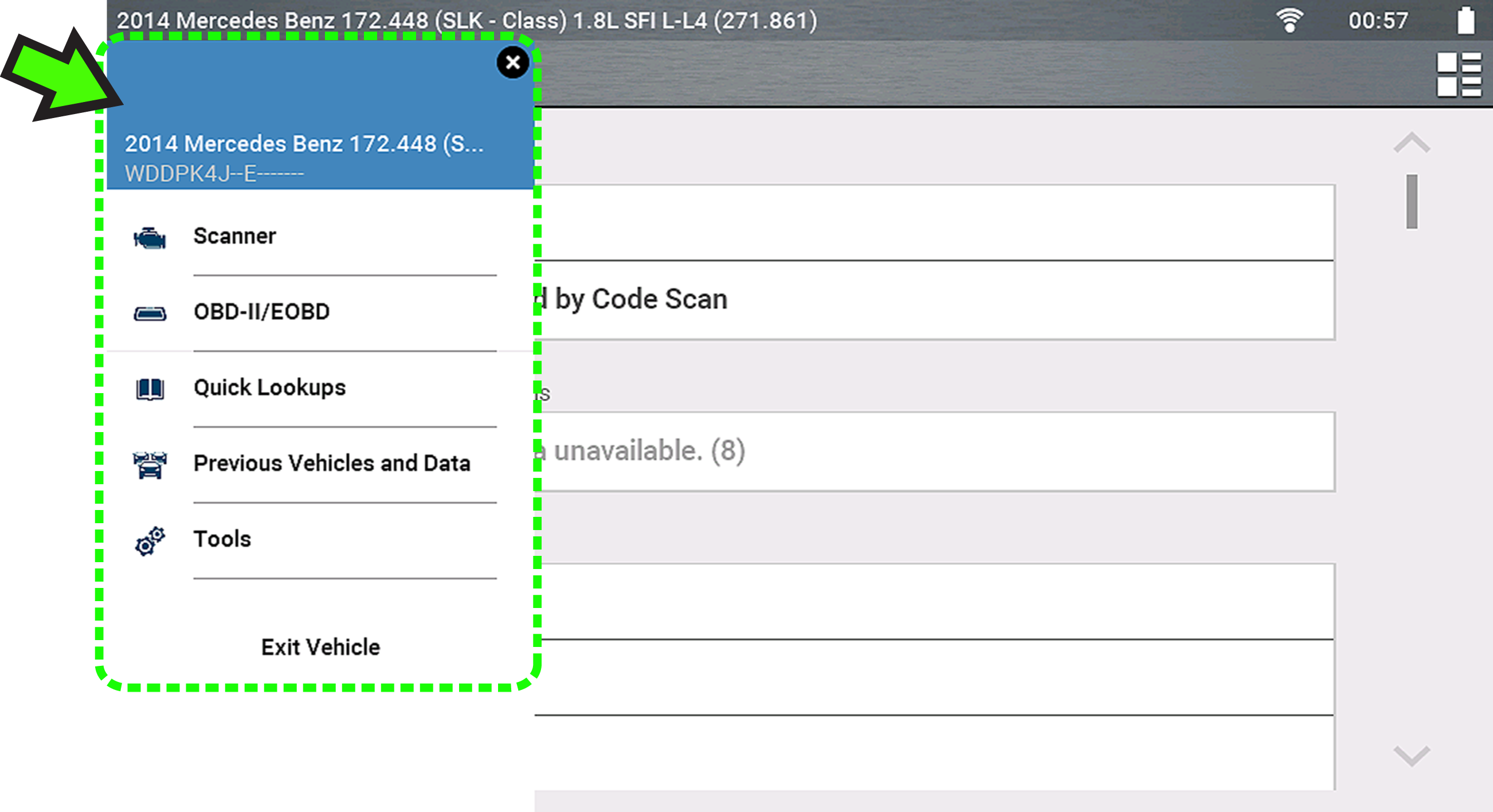
Quick-Access Menu
Selecting the Home icon opens the Quick-Access menu, depending on your location in the software. Use this feature as a shortcut to “jump” between functions, or to Exit the active vehicle. For additional information see Quick-Access Menu.
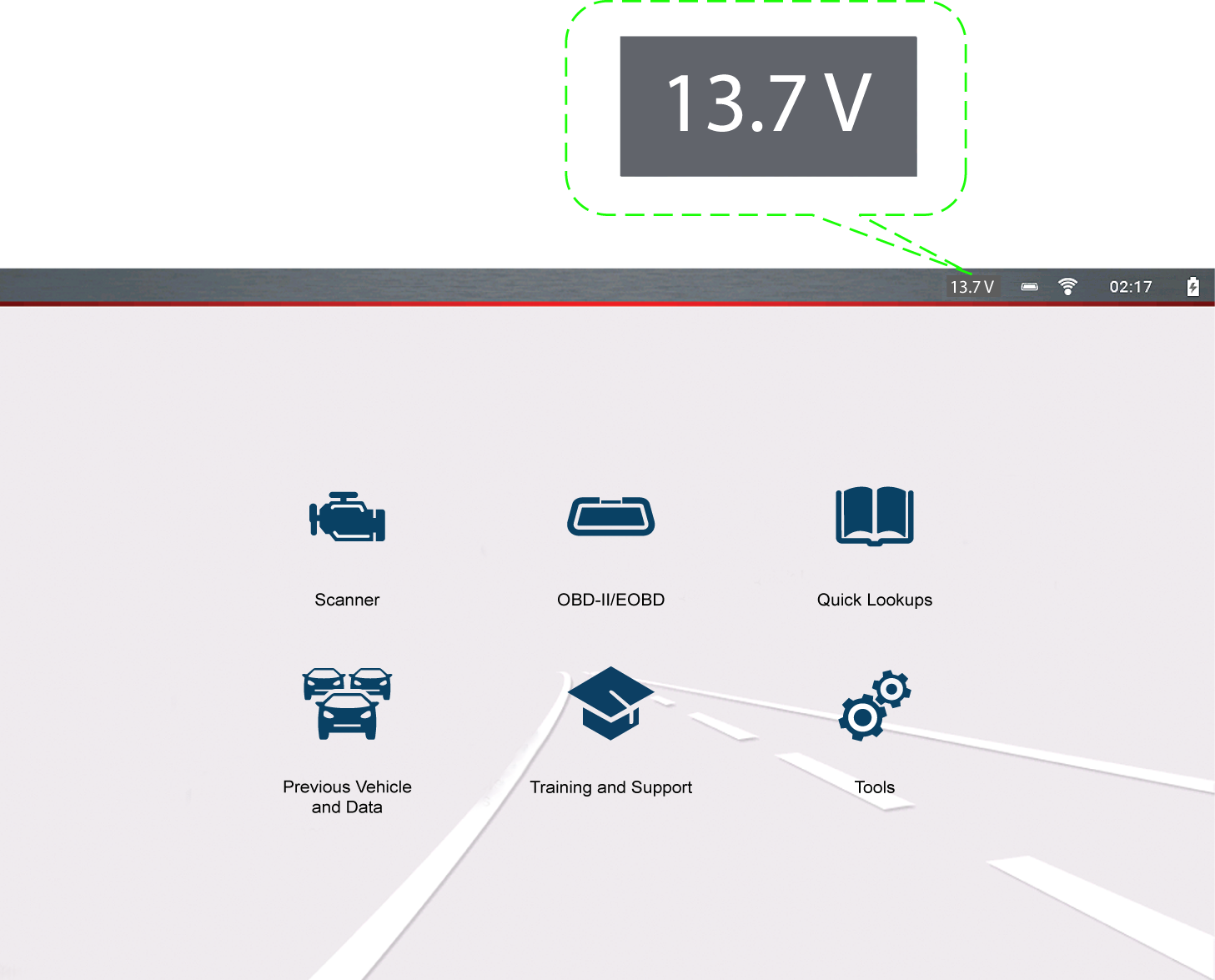
Vehicle Voltage Readout
When the data cable is connected to the vehicle, the vehicle’s battery voltage (at the data link connector) is displayed on the top of the screen.