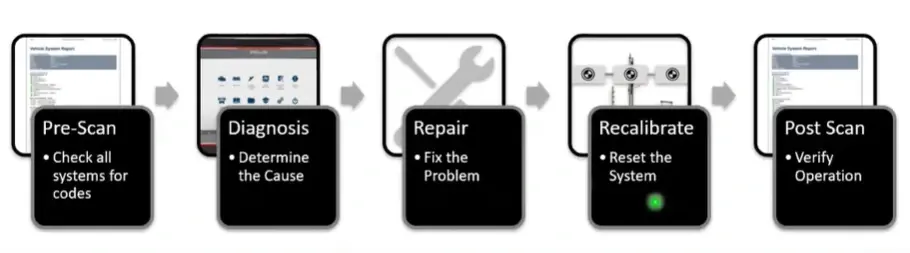
Small sensor misalignments can cause major issues. Your Snap-on® tool minimizes risks by following steps and providing live feedback, including steering angle sensor resets often required after wheel alignment or suspension work.
Creating the Right Conditions for Recalibration
Accurate recalibration requires the right workshop setup:
- Space: Clear area for targets and access
- Lighting: Consistent for sensor recognition
- Level floor: To ensure accurate vehicle and target alignment
- Clear line of sight: No obstructions between sensors and targets
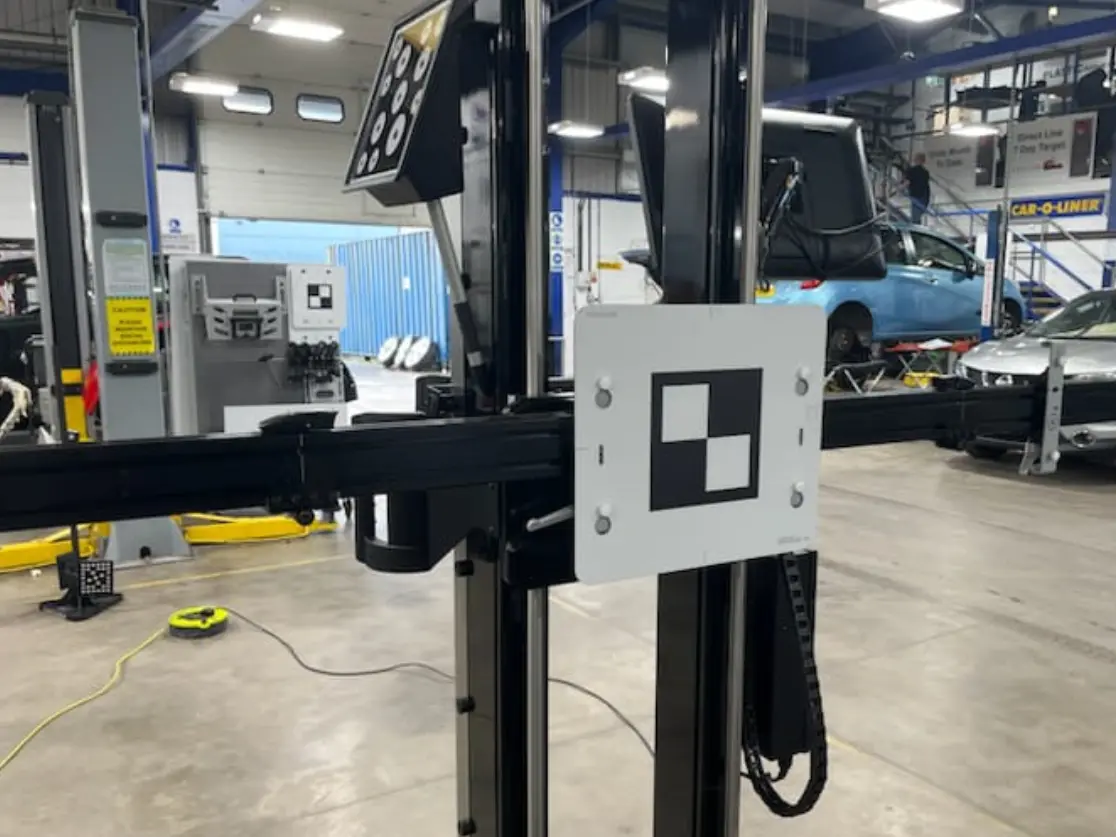
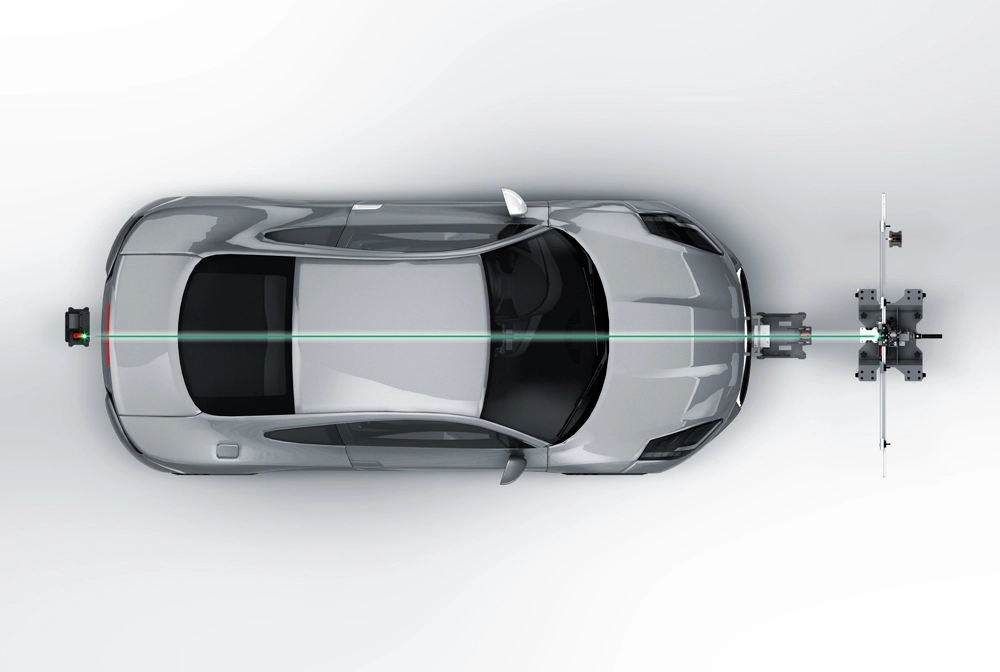
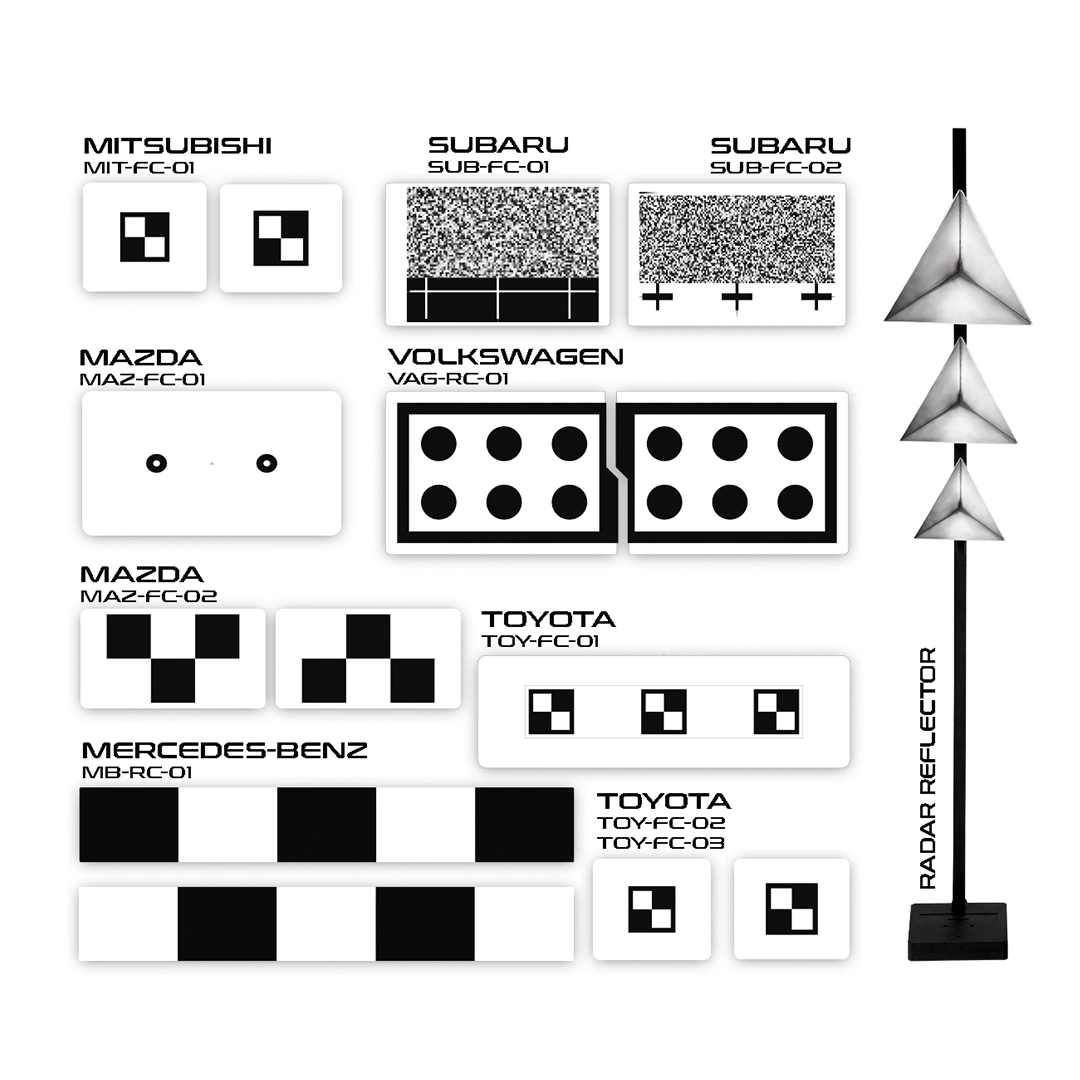
Tools such as the John Bean® Tru-Point™ or EZ-ADAS™ Recalibration System support accurate target placement and levelling, combining advanced camera and laser technology with step-by-step guidance and OEM procedures. For shops that regularly service specific vehicle brands, it may be practical to invest in dedicated targets tailored to those makes, to ensure precise, manufacturer-compliant recalibrations.

Why Alignment Accuracy Matters for ADAS
ADAS sensors rely on precise vehicle orientation. Even slight misalignments can impact system performance:
- Thrust angle errors can disrupt object recognition
- Incorrect ride height may distort camera views
- Steering angle discrepancies can cause lane assist faults
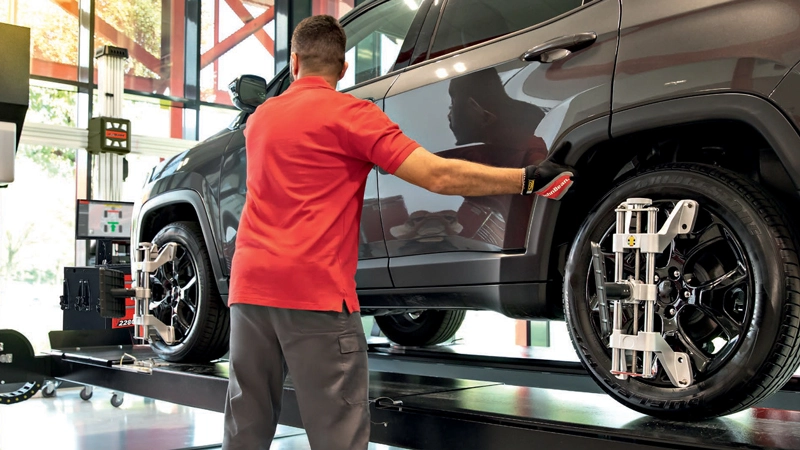
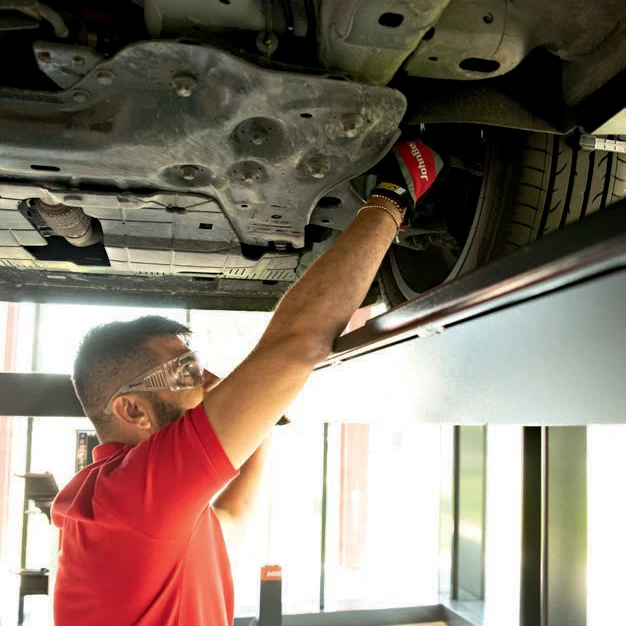
Manufacturers often require wheel alignment checks and ADAS recalibration after repairs. Your Snap-on® platform supports the necessary resets and relearns. Alignment equipment like the John Bean® V2280 guides you through OEM procedures efficiently, alerting you only when correction is needed—saving time and ensuring accurate results.
Maximizing the value of Your Snap-on® Tool
Your tool includes:
- Vehicle-specific recalibration procedures
- Pre- and post-scan functionality
- Access to functional tests and relearns
- Step-by-step workflows
- Support for static, dynamic and initialization calibrations
- Wi-Fi® enables tools on current software have access to Secure Vehicle Systems through Snap-on® Security Link™ for Nissan®, FIAT® Chrysler® Automobiles (FCA), Volkswagen® Audi® Group (VAG), and Ford®
The integrated service and repair information system helps identify fitted ADAS and provides technical data to carry out repairs correctly.
The Importance of Service and Repair Information for ADAS
Access to detailed OEM repair procedures is essential, especially after collision damage that can affect sensors and cameras. Following these ensures safe restoration of system functions.
Snap-on® ShopKey® Pro with 1Search™ is an exclusive repair information system that brings together OEM data, real-world fixes and streamlined workflows—all in one place.
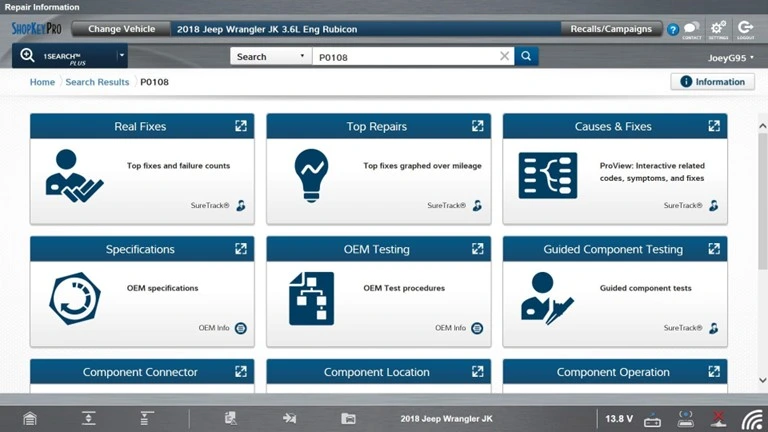
Featuring a VIN-specific ADAS section, ShopKey® Pro shows which systems are present, if targets are needed, and which components are involved.
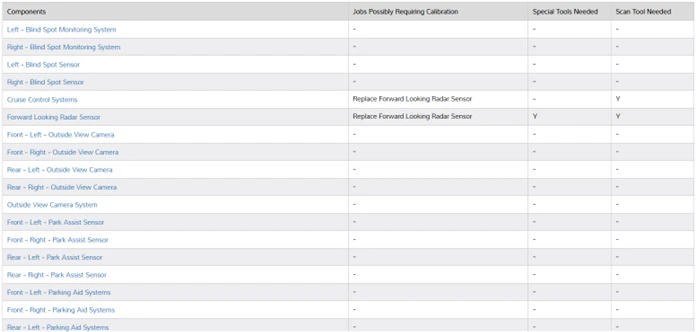
Clicking on a component provides valuable supporting information, including its function, location, and related procedures—enabling more accurate diagnostics and confident repairs.
Speak to your Snap-on® Franchisee for more information or click here
Additional Software Capabilities for ADAS
- Functional Tests: Access Lane Keep Assist, collision warning, and blind spot monitoring verification directly within recalibration workflows.
- Guided Component Tests: FAST-TRACK® supports in-depth diagnosis of ADAS components like steering angle sensors and camera circuits.
- Intelligent System Identification: Automatically identifies fitted ADAS systems during pre-scan, removing guesswork.
- OEM TSB Access: Provides linked access to Technical Service Bulletins and repair graphs for efficient fault tracing.
- Snap-on® Cloud Reporting and Documentation: After functional tests and relearns, save an ADAS report using the Snap-on Cloud. Reports can be stored, printed, or emailed—ideal for bodyshops working with insurers, alongside pre- and post-scan data to support claim approval.