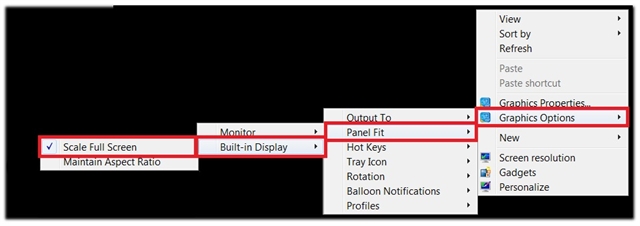
Setup your VERUS Edge to best work with the cradle and an external monitor.
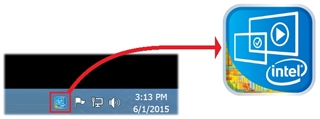
1. The Intel HD Graphic Options can quickly be accessed two ways
- Right click (long press) on the Windows desktop
- Click on the Intel HD Graphic Taskbar Icon (blue box with gold lower left corner)
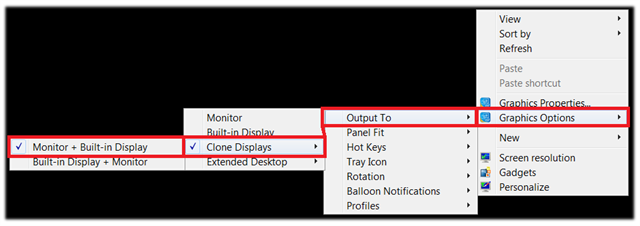
2. Graphic Options > Output To > Clone Displays > Monitor + Built-in Display
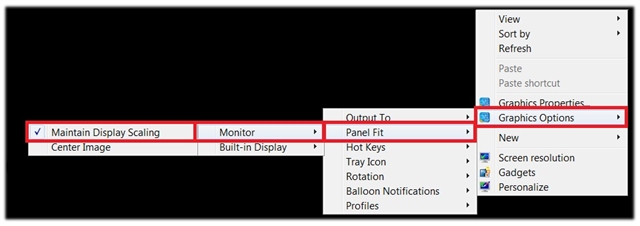
3. Graphic Options > Panel Fit > Monitor > Maintain Display Settings
4. Graphic Options > Panel Fit > Built-In Display > Scale Full Screen